MDM › Settings
System Settings
The System sub-menu contains general settings that apply to the entire system.
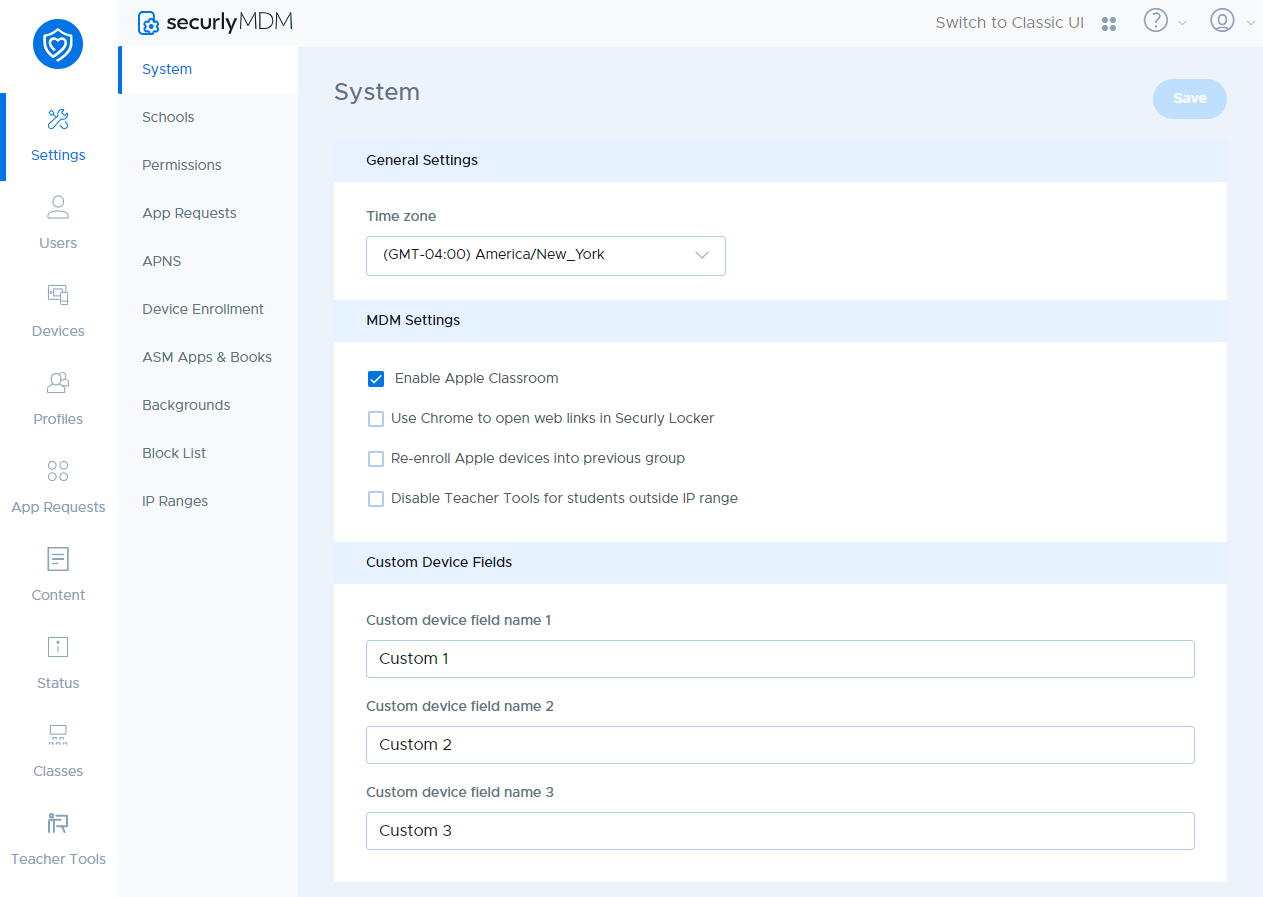
General Settings
| Setting | Description |
|---|---|
| Time zone | Select your school’s time zone. |
MDM Settings
| Setting | Description |
|---|---|
| Enable Apple Classroom | Enables Apple Classroom functionalities like Securly Locker and Teacher Tools. |
| Use Chrome to open web links in Securly Locker | Enabling this will allow web links to be opened using Chrome, instead of the defaulty Safari browser |
| Re-enroll Apple devices into previous group | If enabled, removed devices, when re-enrolled, will get added into groups they were previously a part of. |
| Disable Teacher Tools for students outside IP range | This setting will disable Teacher Tools when the student device is connecting from outside the school network. |