Aware › Cases
Emailing Case Report
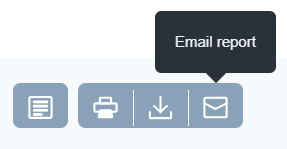
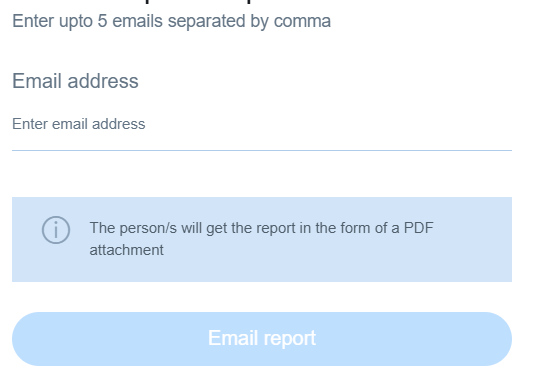
Clicking the Email action button from the main dashboard opens up a sidebar window where you can enter up to five email addresses separated by commas. These recipients will receive the report in PDF format.
Aware › Cases
Clicking the Email action button from the main dashboard opens up a sidebar window where you can enter up to five email addresses separated by commas. These recipients will receive the report in PDF format.