Filter › Policy Editor
Creating a Custom Policy
Creating a custom policy
To create a custom policy:
-
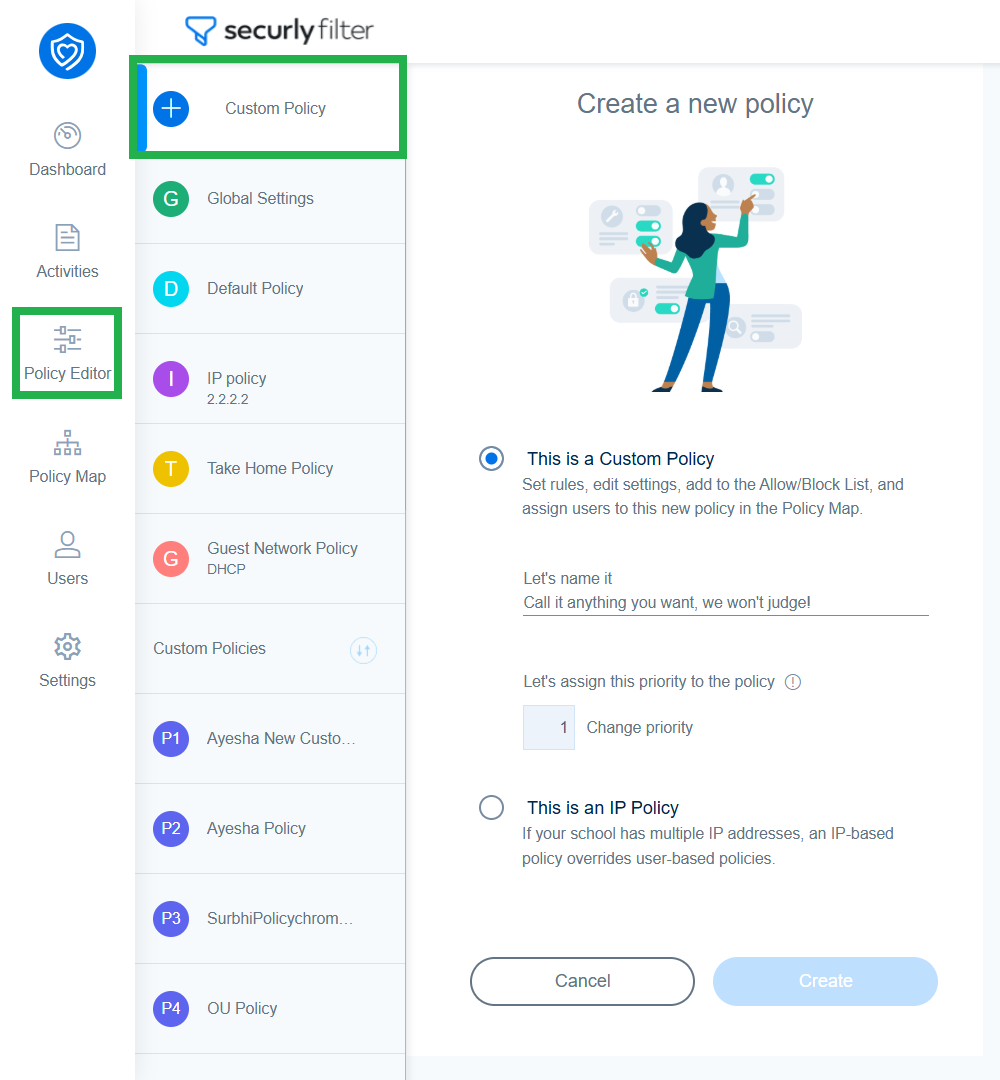
Navigate to Policy Editor and click on Custom Policy.
-
Provide a policy name in the 'Let's name it' field and click ‘Create’.
-
A new policy will be created and you'll be taken to its settings page. Change the policy to fit the needs of group of users you wish to assign it to.