MDM › Managing Content
Viewing the requests list
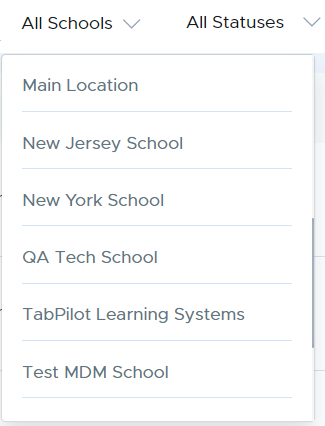
When viewing the App requests list, the Schools filter can be used filter the list to show a single school or all schools. Only school locations to which the user has permission will be shown.
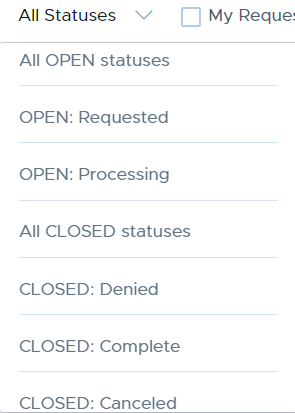
The status filter can be used to limit the list to requests of a single status or to show all of them.
The My Requests Only checkbox is enabled for teachers by default and disabled for other roles by default since teachers typically are only concerned with viewing their own requests, but users of other roles typically need to manage requests made by other users.
