Filter › Policy Editor
Contact Admin for unblocking sites
The Contact Admin setting allows students to ask admins for permission to access when they come across a blocked page.
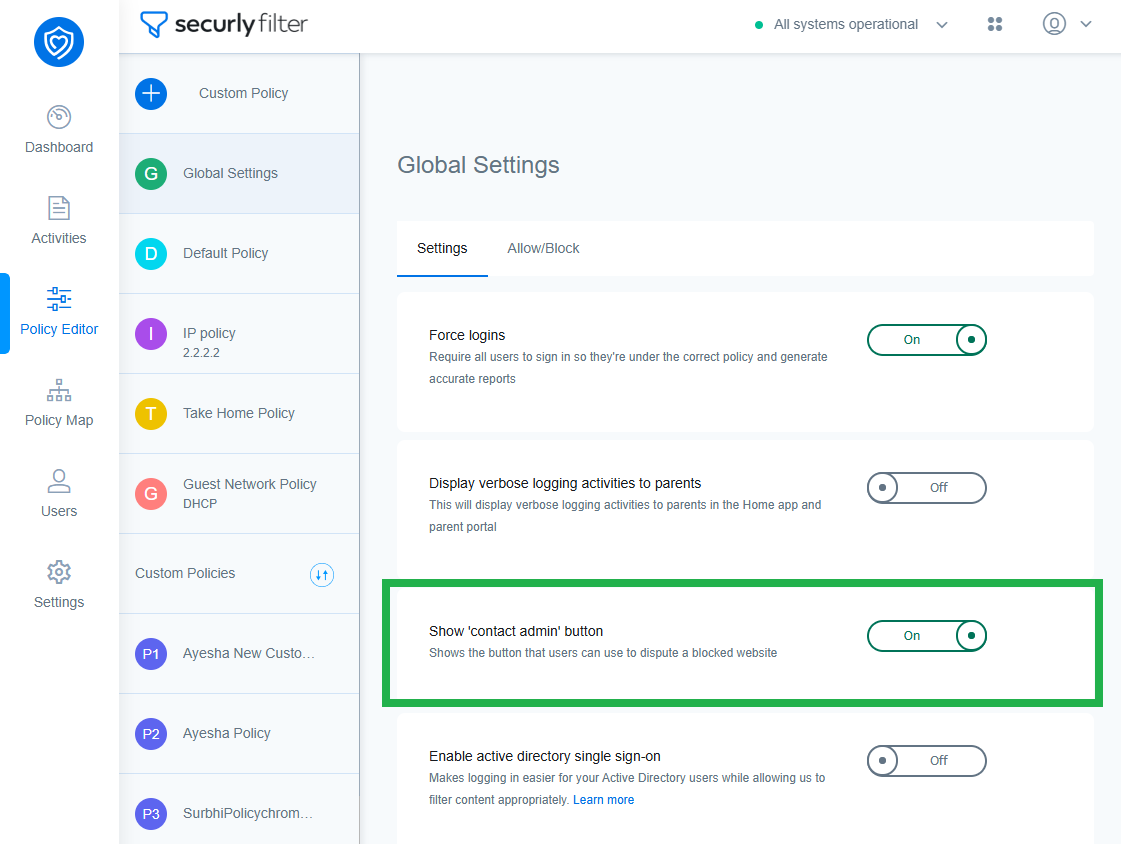
If the setting is turned on, the student will see 'Ask for permission' button for requesting permission anytime they visit a blocked site. The student is required to enter an email address and reason for wanting to access the website.
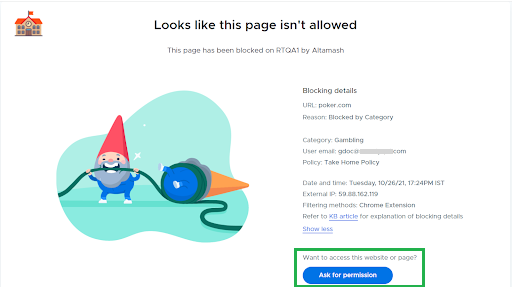
The student would then be displayed a button asking them to request permission anytime they visit a blocked site. The student is required to enter an email address and reason for wanting to access the website.
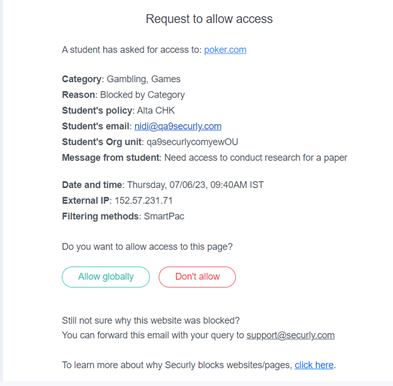
The admin will then receive a mail notification from where they can allow it by adding it to the Global Allow list.
If the “Show Contact Admin Button” feature is OFF, this is what the student will see the below.
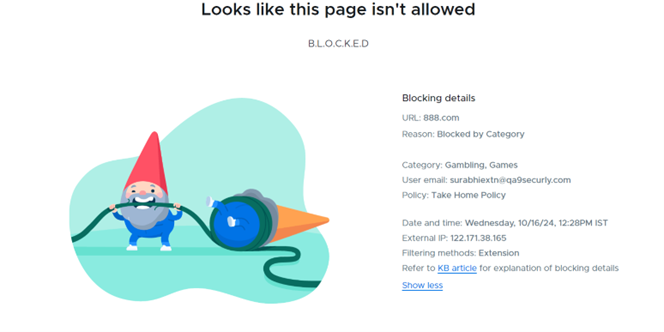
This toggle allows students to request permission from admins only. To enable request permission from teachers assigned to the OU to that student, you’ll have to turn it on at a policy level. Learn more about enabling request permissions from students to teachers.