Aware › Managing Account Settings
Scheduled Reports
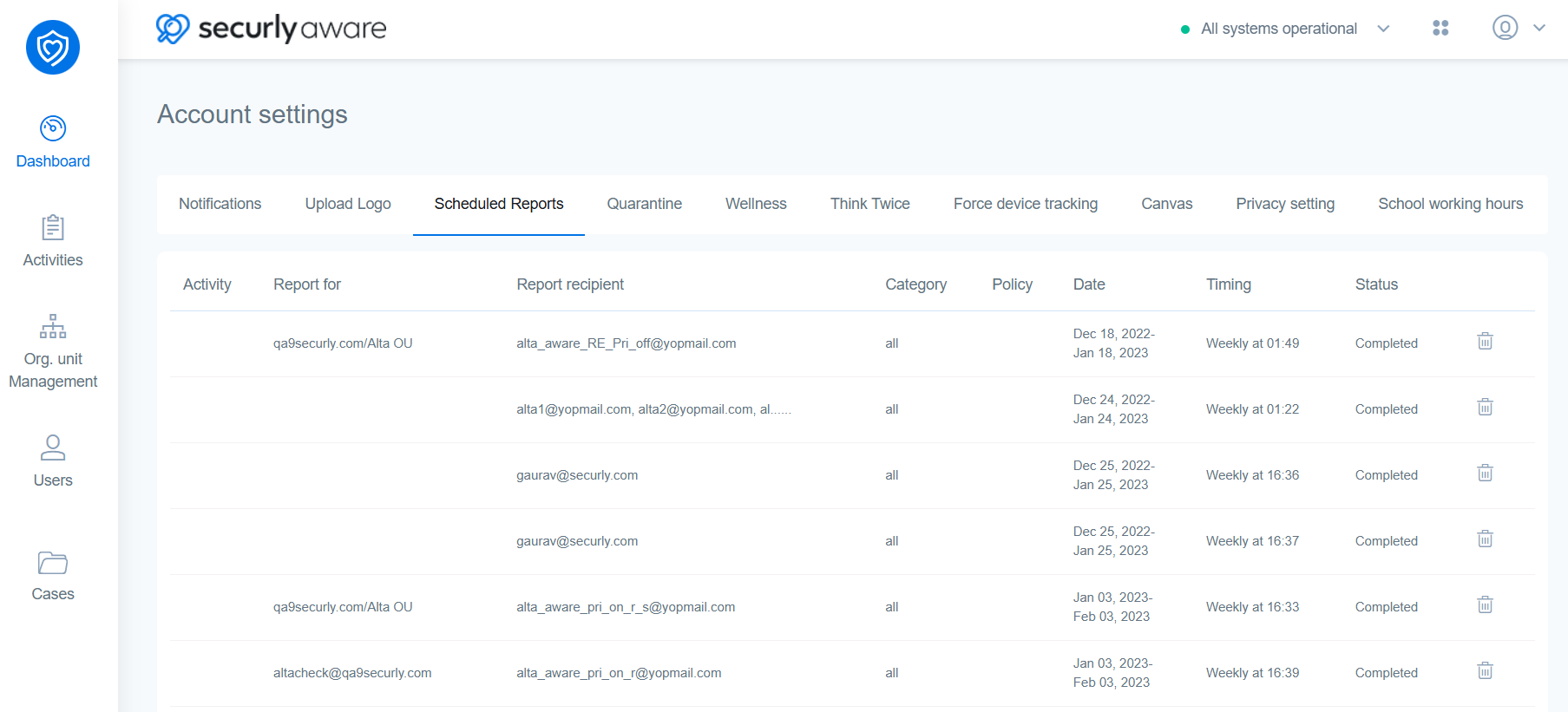
You can view your activity report and email schedules by visiting this section. Each field will cover activity, who the report is for, who it is sent to, the category, policy, date, timing, and status.
To delete a schedule, click the delete icon on the far right next to your desired schedule.