MDM › Managing Devices
Restarting or Shutting Down an iPad
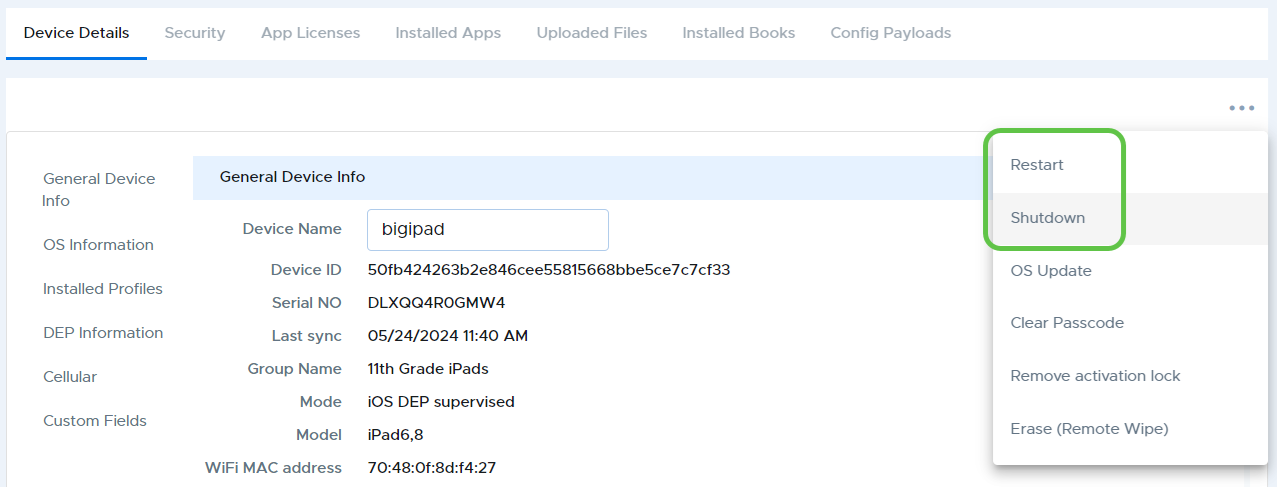
To restart or shutdown an iPad from Device Details, select “Restart” or “Shutdown” from the three-dot menu at the top right of the Device Details page.
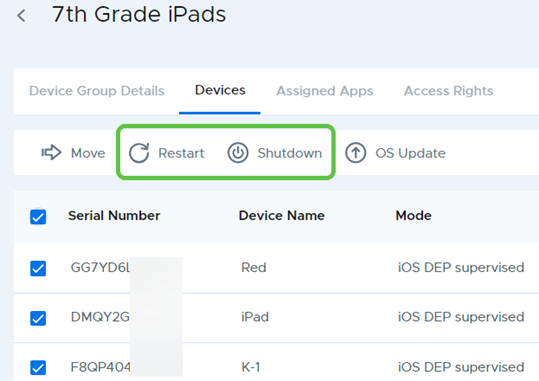
To restart or shutdown an iPad or group of iPads from the device list, select the iPads from the device list of a device group, then use the “Restart” or “Shutdown” button in the action bar.