Classroom › Set up and get started
Classroom Desktop agent Overview
Securly Classroom has a dedicated agent that can be pushed to Windows and Mac devices. Although Classroom is accessible to teachers and other faculty members via any browser (deviceconsole.securly.com/classroom), the desktop agent offers additional benefits. You can:
- Monitor the student's entire desktop, as opposed to the extension-enabled access which is limited to viewing the browser tabs.
- Similar to closing tabs when accessing via the browser, you can also close desktop apps on the student device.
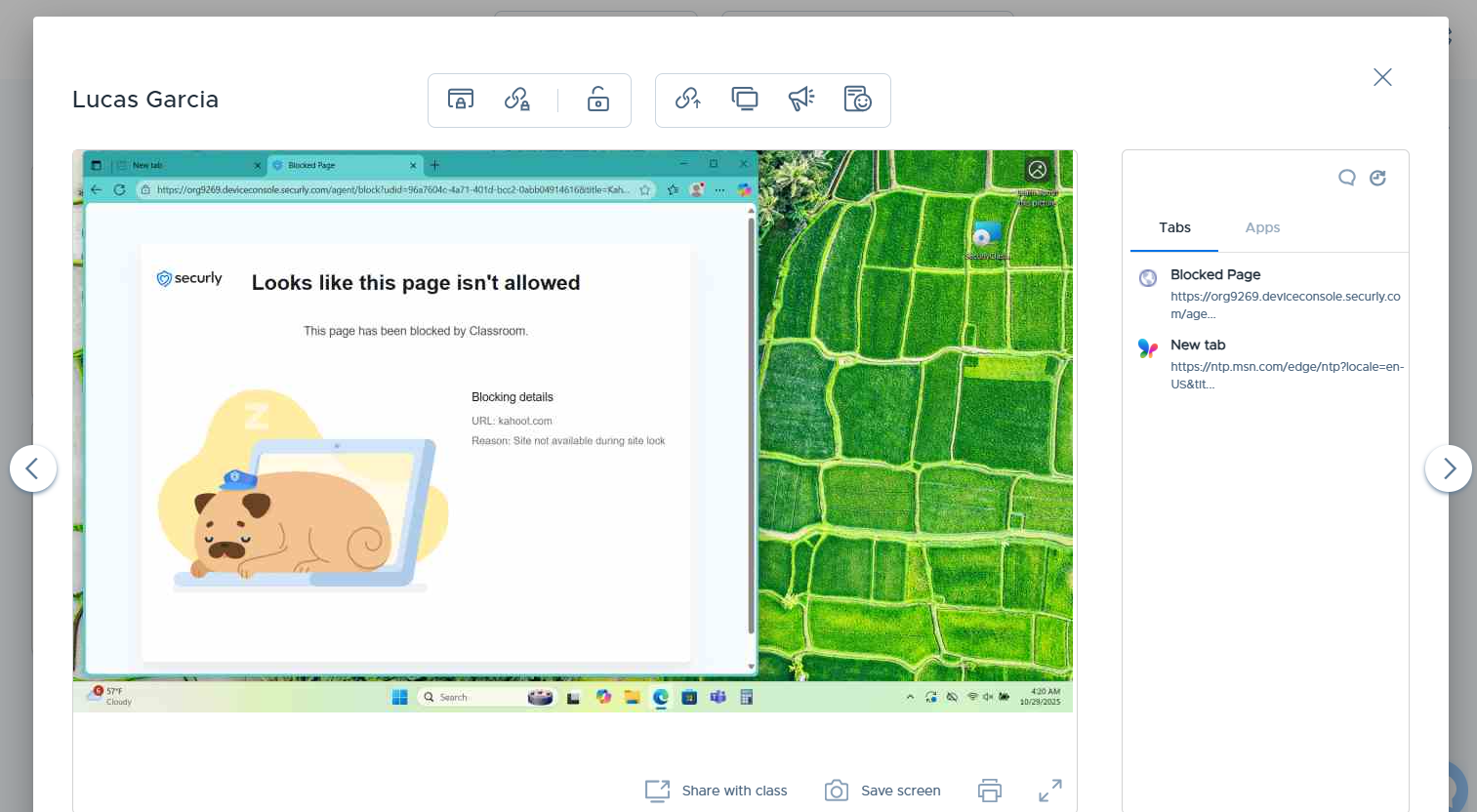
The articles in this section will enable you to set up and use the Windows and Mac agents.
- Student system requirements and specifications
- Installing the Securly Classroom Windows agent on student devices
- Installing the Securly Classroom Mac agent on student devices
Let's begin with the system requirements for the desktop agent to function properly.
NoteFeature availability in Securly Classroom may vary between the Windows and Mac agents. Refer to this article for details.