MDM › Managing Devices
Unerolling an Apple TV device
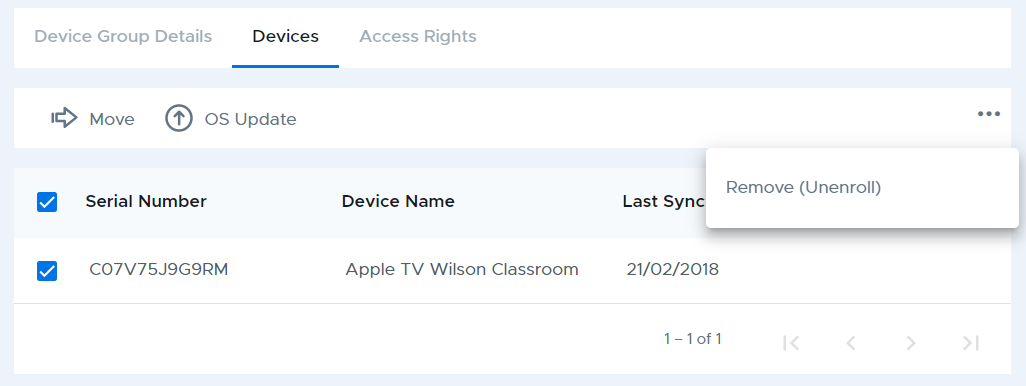
Removing a device from Securly MDM will remove the device from the MDM and send a command to the device to remove the MDM enrollment profile from the device too. The "Remove (Unenroll)" function is found on the three-dot menu at the top right of any device group table after selecting one or more devices. Note that this command does not Erase (remote wipe) or reset the device.