MDM › Settings
Backgrounds
Use the Backgrounds tab to upload images that can be used in Screen Layouts.
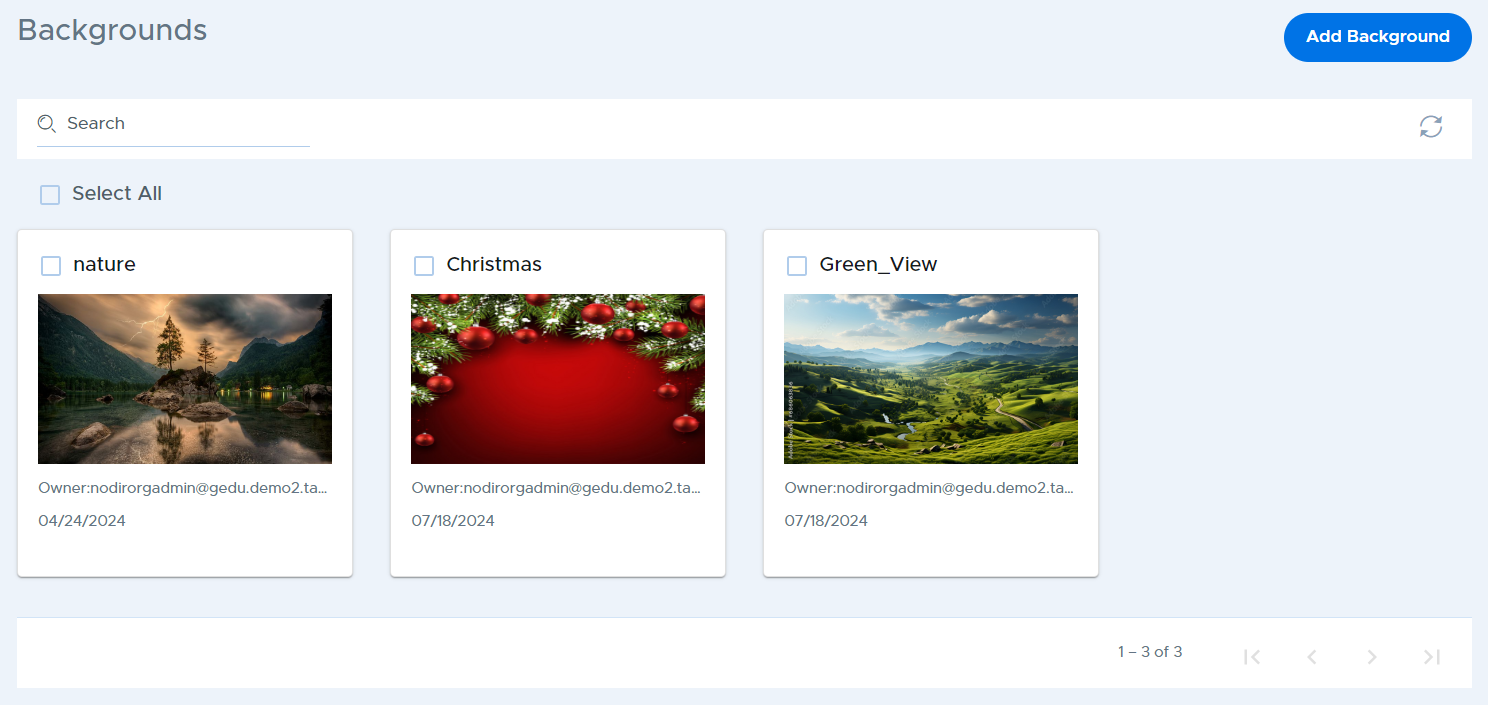
Click on the Add Background button, then enter a description and click the choose file button to select your desired file. Finally, click the Add button.