MDM › Managing Classes
Viewing apps, books, and files assigned to a class
To view the apps, books, and files assigned to a class, click on your desired class and navigate to the below tabs.
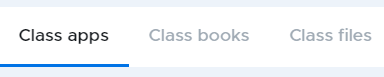
To add apps, refer to Assigning app for installation of this guide.
To adds books, refer to Managing Books section of this guide.
To adds files, refer to Managing Files section of this guide.