MDM › Managing Devices
Clearing an iPad Passcode
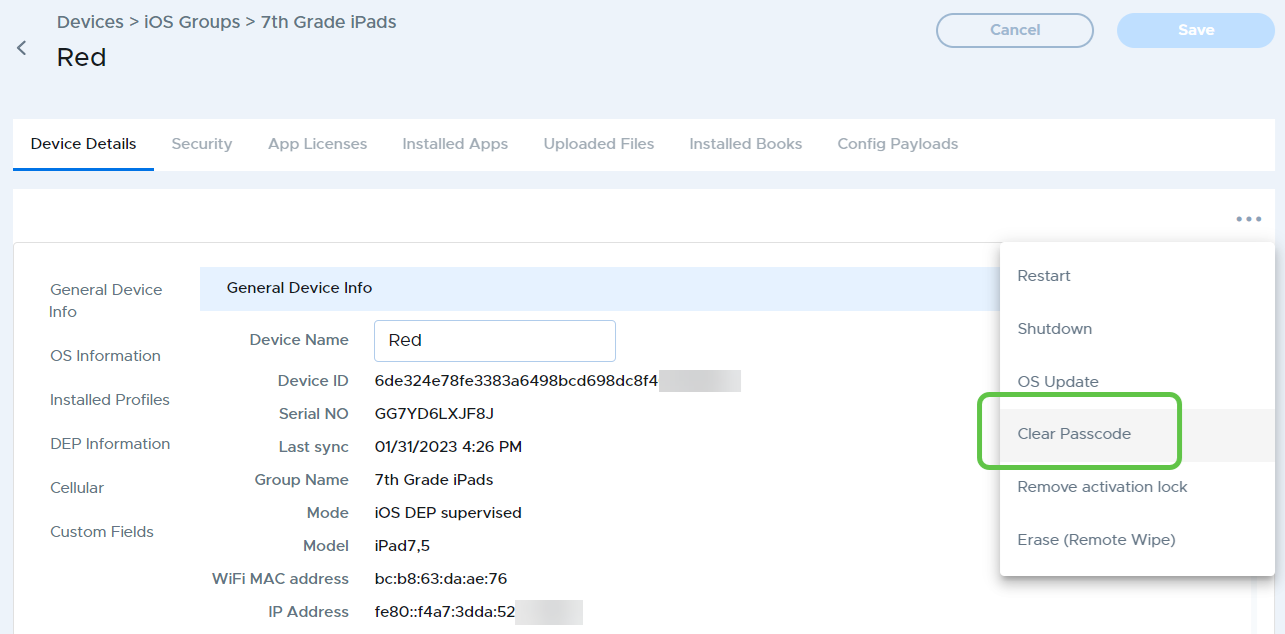
To clear a passcode from an iPad, go to the Device Details tab for the device, then click “Clear Passcode” from the three-dot menu at the top right.
MDM › Managing Devices
To clear a passcode from an iPad, go to the Device Details tab for the device, then click “Clear Passcode” from the three-dot menu at the top right.