Classroom › Classes
Closing apps on student devices
If you find a student getting distracted with an app, navigate to the Apps sidebar, then click on the desired app and hit the Close prompt to shut down the app.
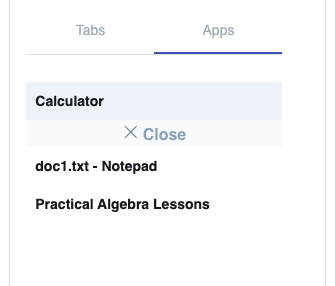
Closing applications on a student's device is only possible when using the Securly Classroom Windows and Mac desktop agents. If you aren't able to see students' Windows desktops or close apps, contact your IT department.