Aware › Managing Account Settings
School Working Hours
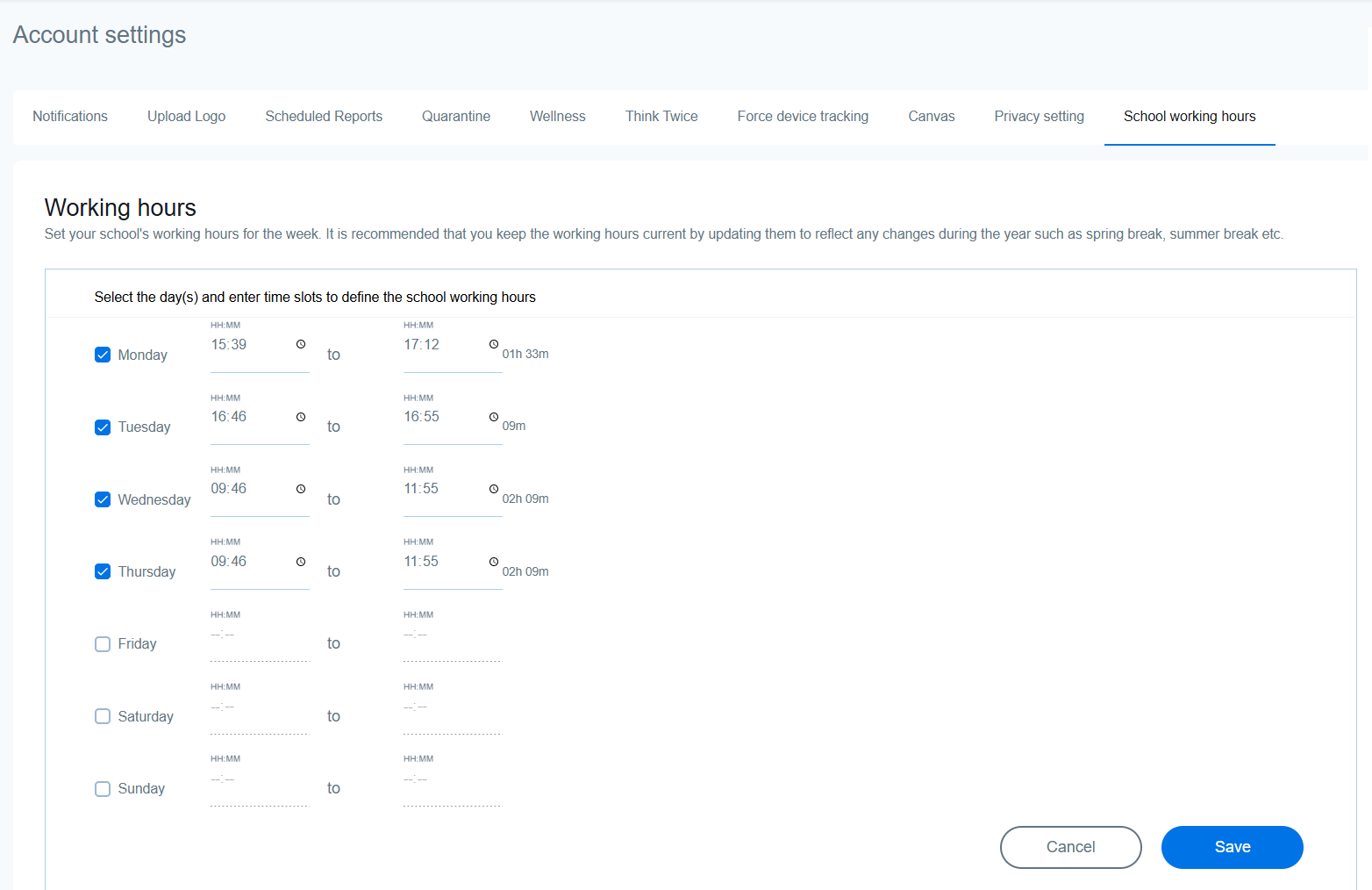
Setting your school hours can be particularly helpful if you want to mute email alerts after school hours.
If your school has the same schedule every weekday, simply input the hours for Monday first and they will be used as the default for the rest of the days when you select the checkbox for each. You can also define different hours for each day, or modify them during holidays as per your school’s requirements.