MDM › Managing Device Groups
Using Force Sync to Update Installed Apps List from Devices
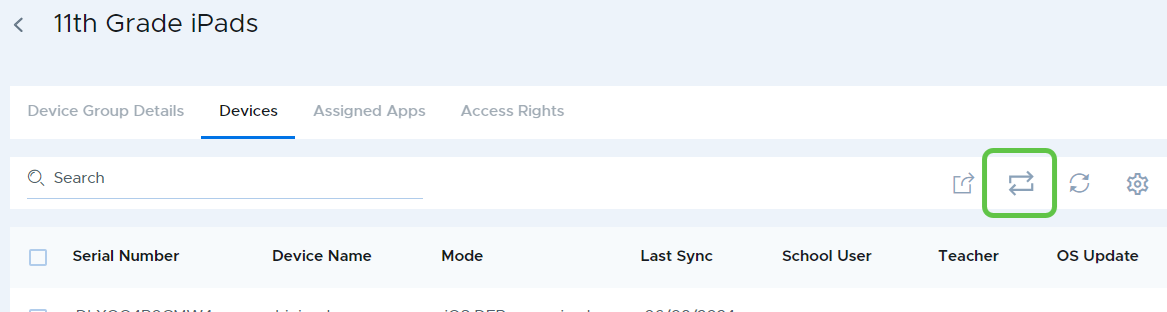
Each device group has a Force Refresh button at the top of the Devices table. This button will launch a sync with all of the devices in the group in order to fetch and update the list of currently installed apps and content then push any missing item to those devices. Any pending profiles will also be installed or removed according to assignments.