MDM › Managing Devices
Unassigning Users from iPads
To unassign a user from a device, go to the Device Details tab for the device and hover over the username then click on the "X" symbol.

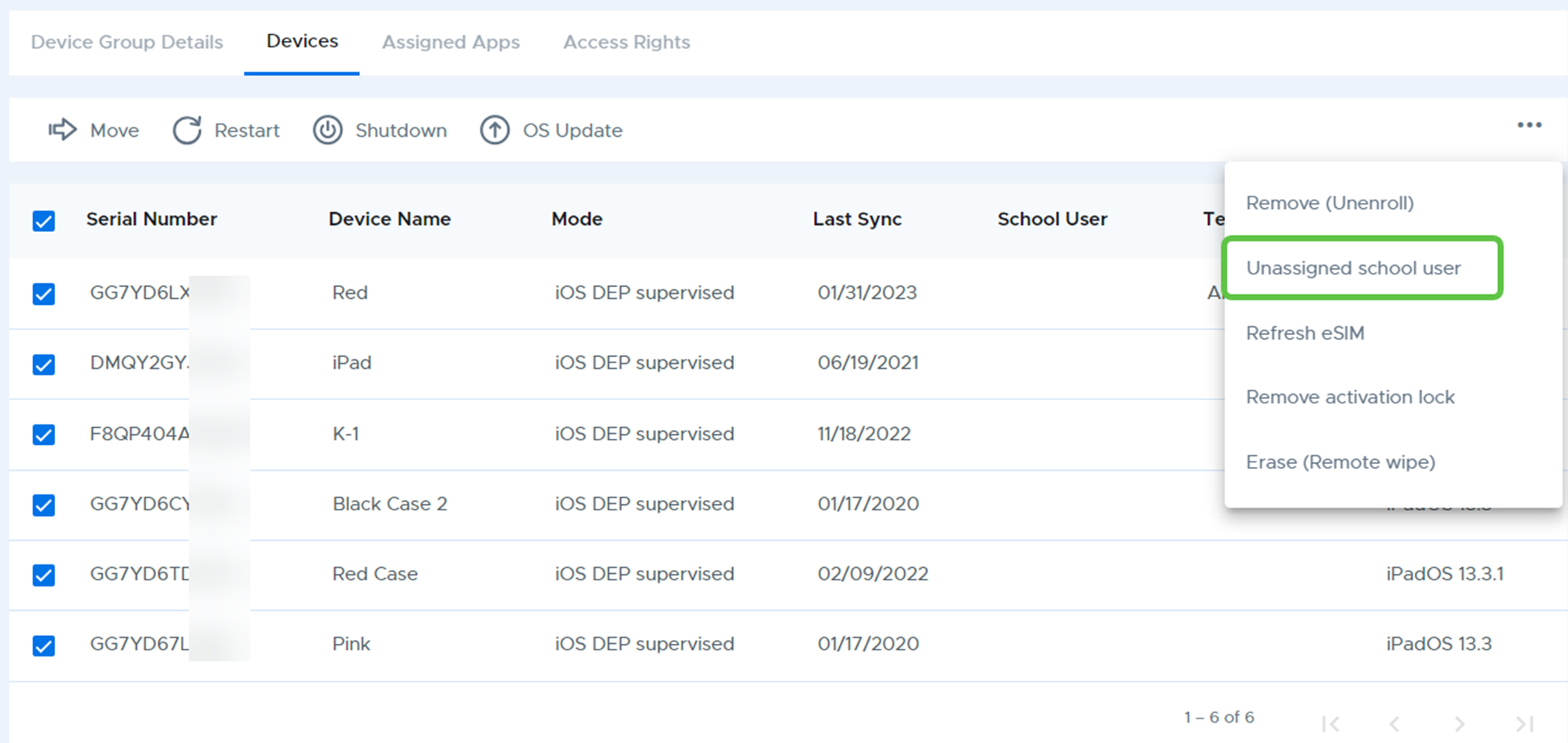
To unassign users from iPads in bulk, select multiple devices from the device list, then click “Unassign school user” from the three dot menu at the top right of the table.