Classroom › Classes
Viewing Active Class Sessions
Administrators can view a list of all currently active classes from the Active Sessions tab under the Classes menu. Teachers can also use this tab, but will only see their own classes.
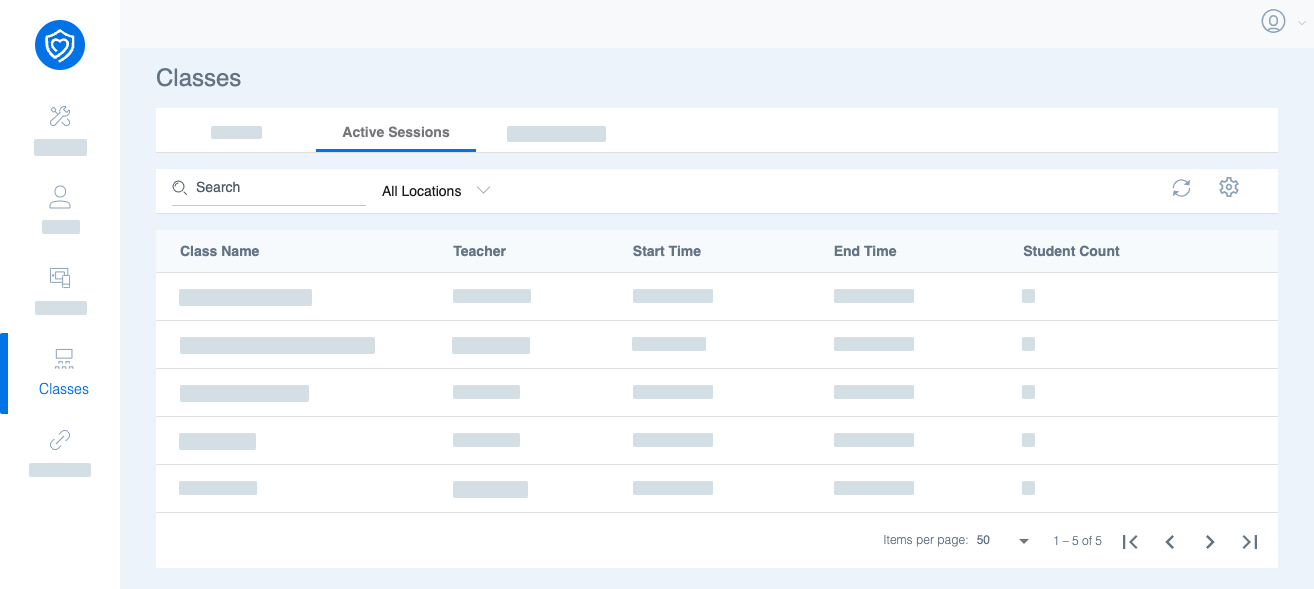
Clicking on any class will jump to the active class session.