MDM › Managing Devices
Erasing (Remote Wipe) a Mac
You can erase (remote wipe) a Mac:
- From the device table for a single, or multiple devices via the three-dot menu.
- From device details for an individual device from the three dot menu
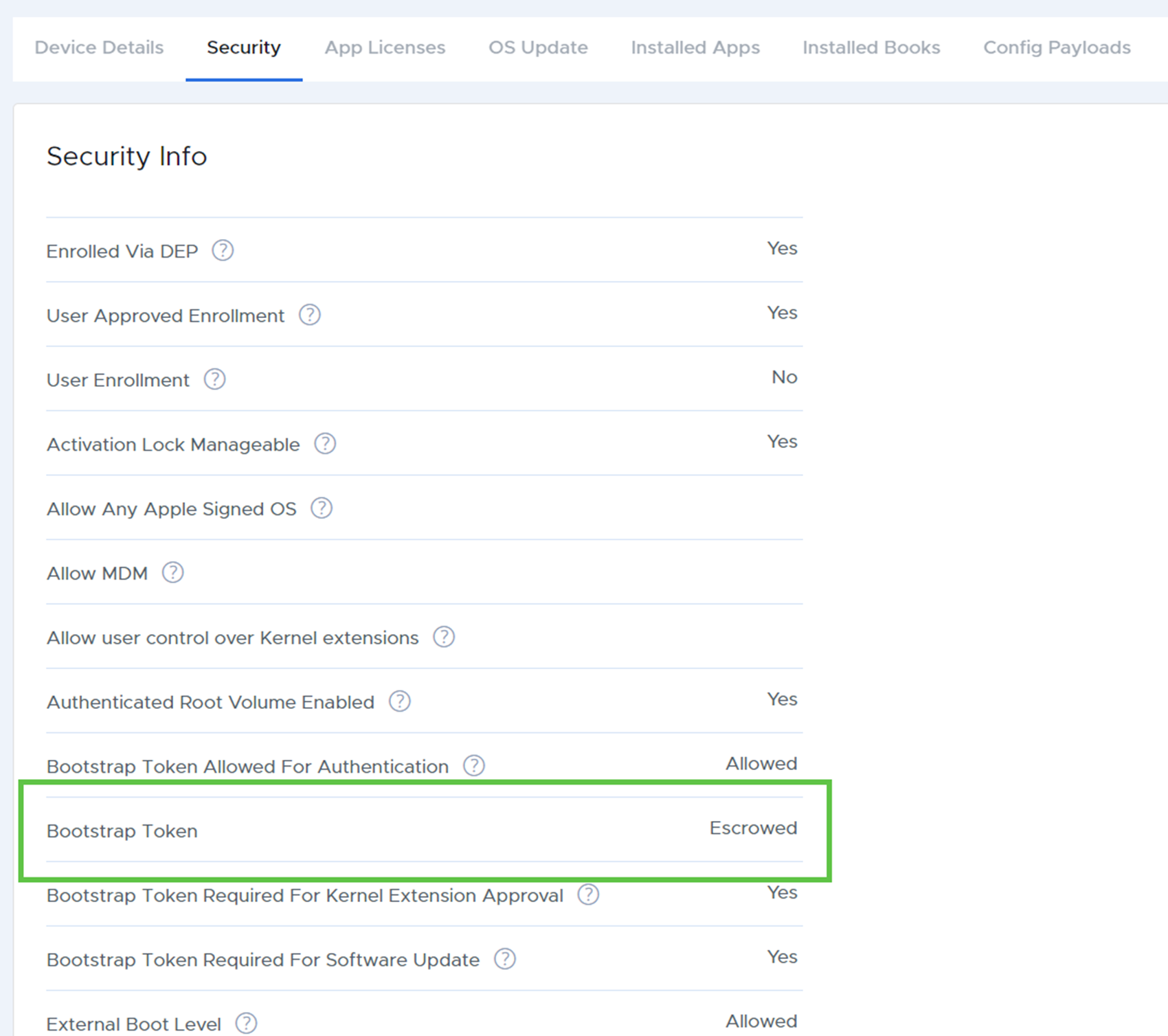
Note that for Apple Silicon devices, the remote wipe function will only work for devices where bootstrap token is escrowed. You can check to see if the bootstrap token is escrowed from the Security tab of the device page. Look for “Escrowed” next to “Bootstrap Token.”