Aware
Logs
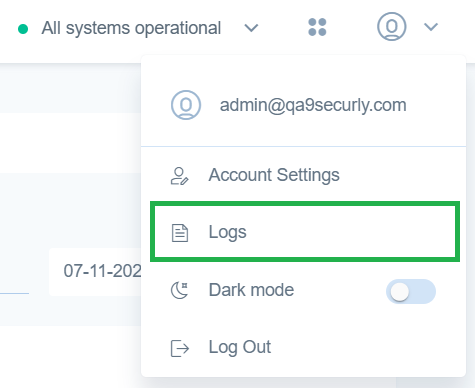
Logs can be accessed by clicking the Profile icon on the top right corner.
The Audit tab logs all changes made within the system. Each entry includes the activity or setting that was changed, the previous value and the new value, the user who made the change, and the date and time the change occurred.
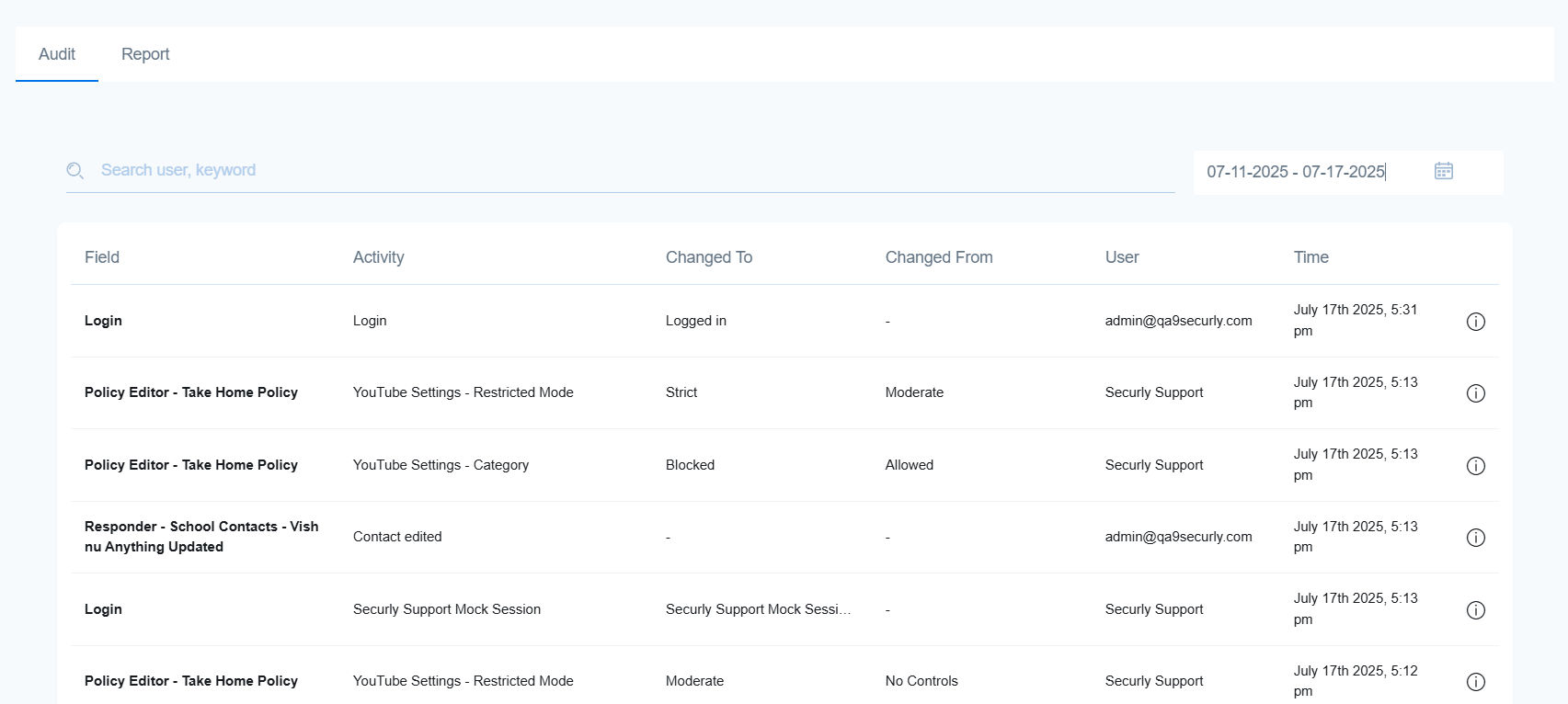
You can search the log using keywords or usernames, and filter results by selecting a date range on the right-hand side.
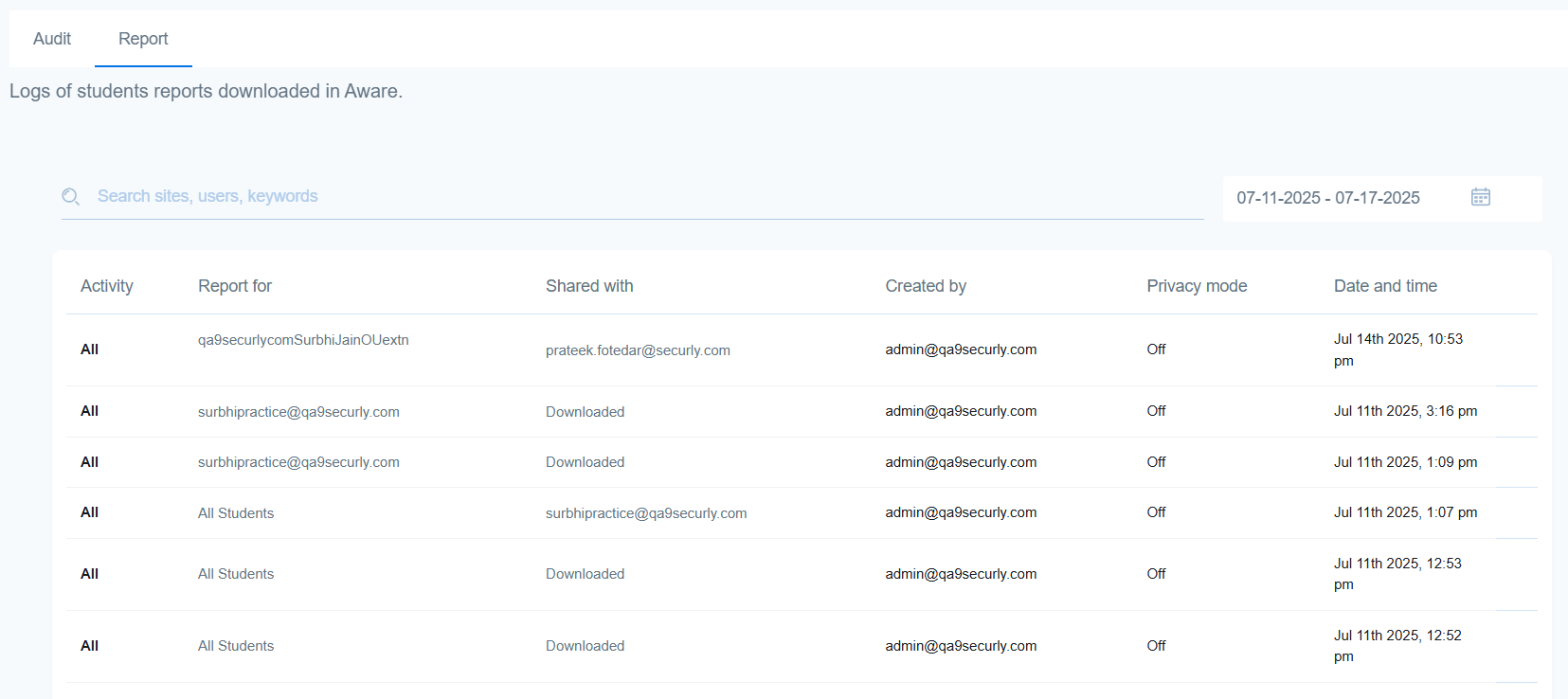
The Report tab tracks all instances of student reports downloaded from Aware.