MDM › Managing Profiles
Assigning Network Profiles to Device Groups
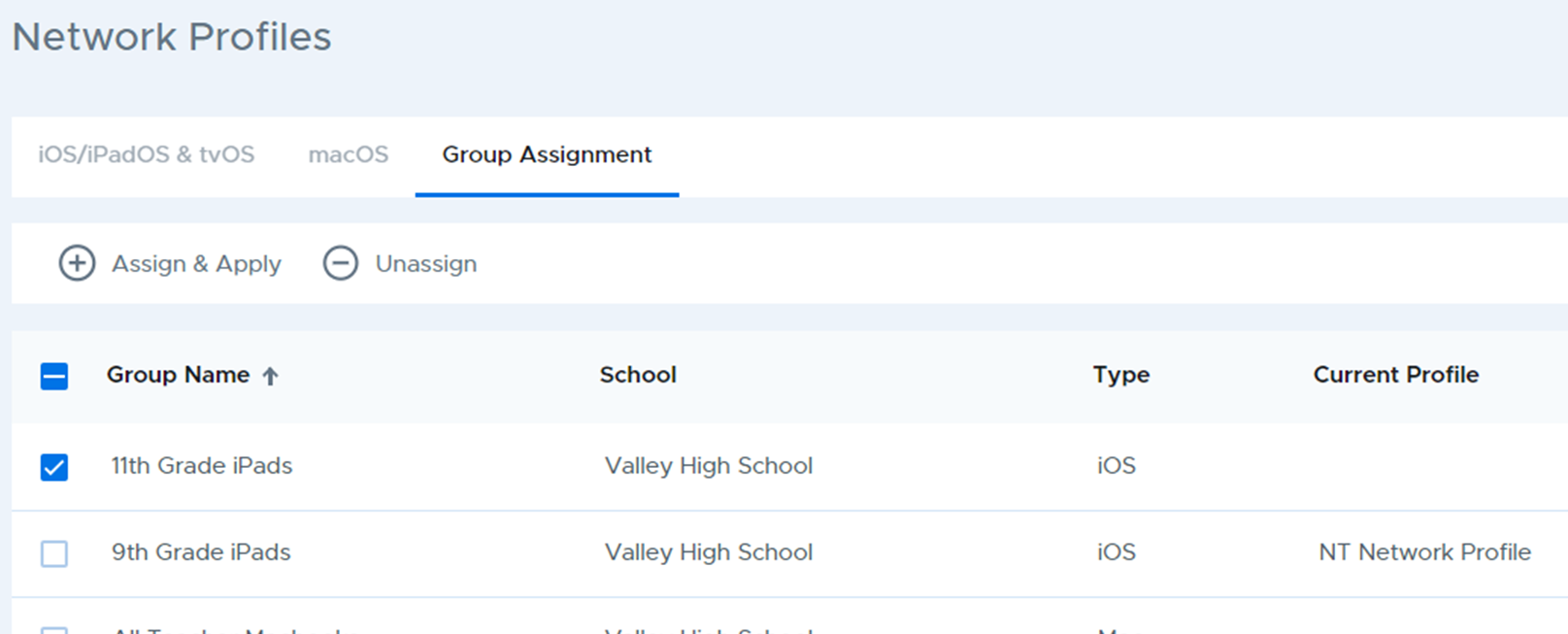
Network profiles are pushed out to devices by assigning a profile to a device group. The Group Assignment tab shows a list of all device groups and the current profile assigned to the group.
To assign a profile, select one or more groups from the list, then click the Assign & Apply button. When selecting multiple groups they must be of the same type.
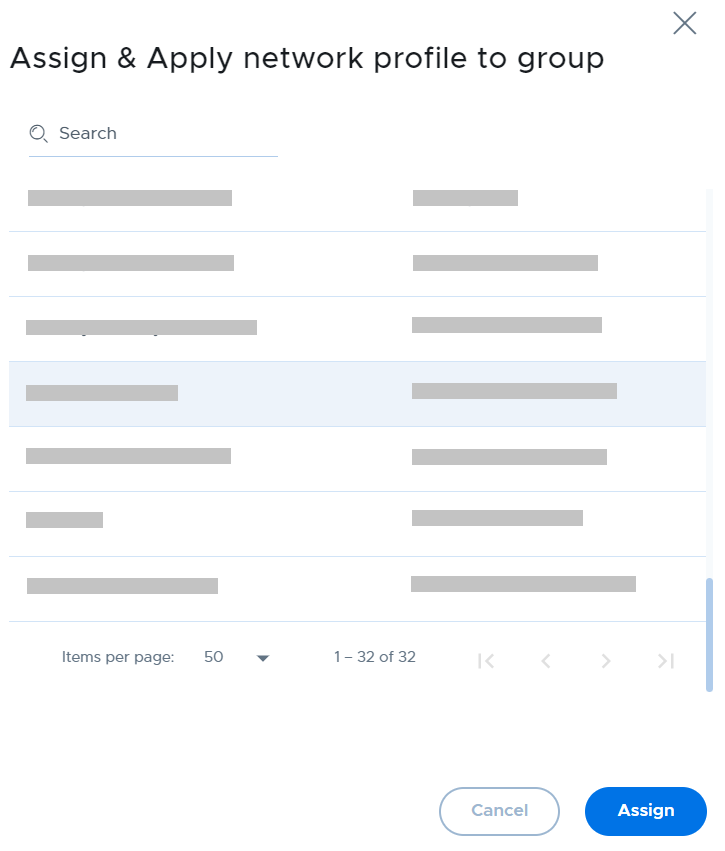
Choose the network profile to assign and click the Assign button.
To unassign a profile, select one or more groups then click the Unassign button.