Aware › Aware Case Manager
Opening the case
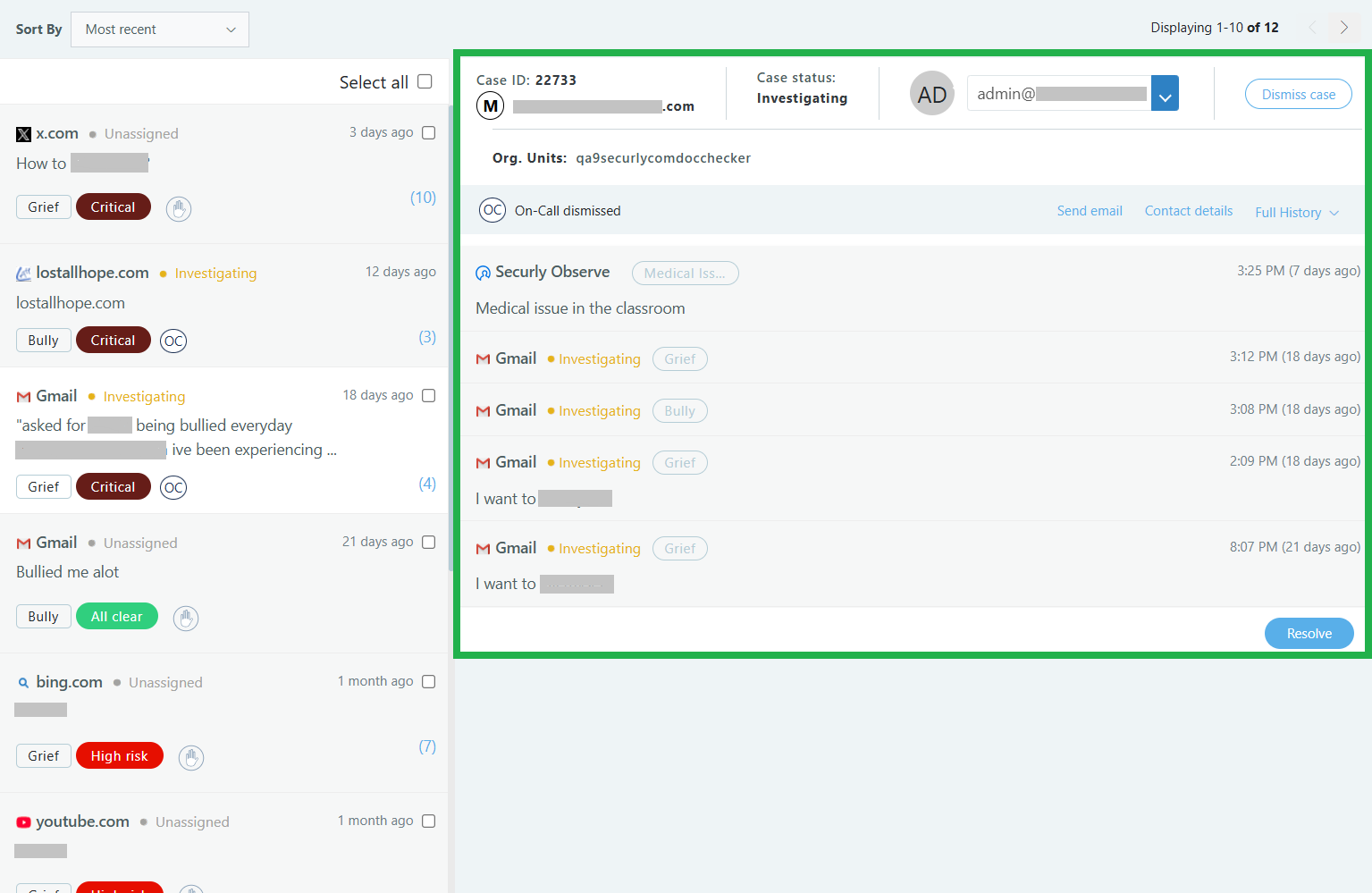
To open a case, click the case in the case queue in the center panel. The case, with all its accompanying activity, will open in the right-hand panel.
Aware › Aware Case Manager
To open a case, click the case in the case queue in the center panel. The case, with all its accompanying activity, will open in the right-hand panel.