MDM › Managing Devices
Managing OS updates for Macs
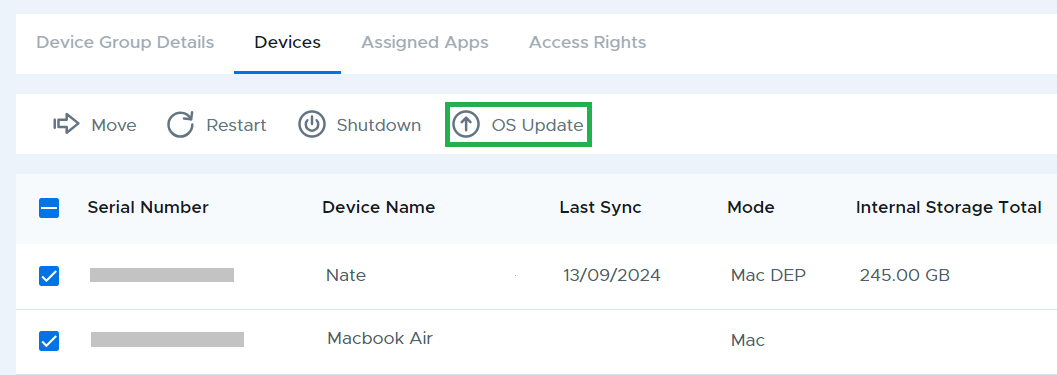
Updates for macOS can be pushed by selecting a device and clicking OS Update.
To view the current OS version of the device, navigate to the Device Details tab or check the OS model option from the gearbox icon in the device table list.
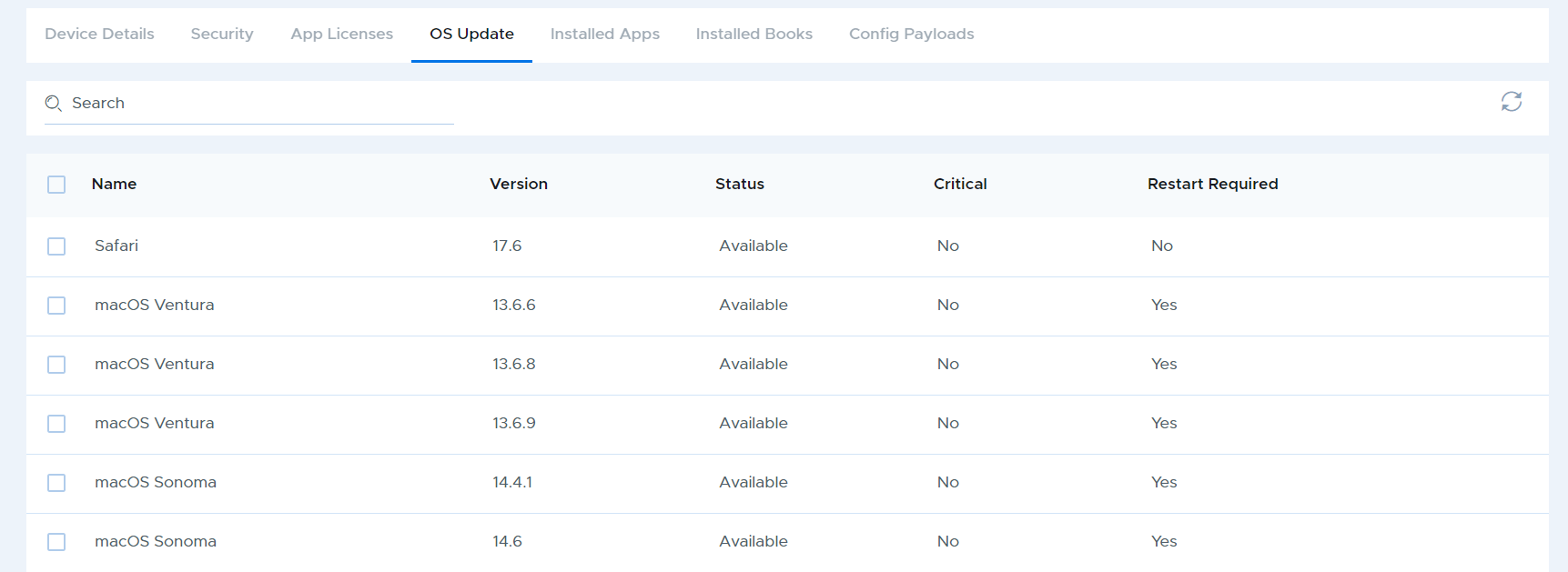
For more information about OS updates, navigate to the OS Update tab for the device.