Filter › Settings
Domains
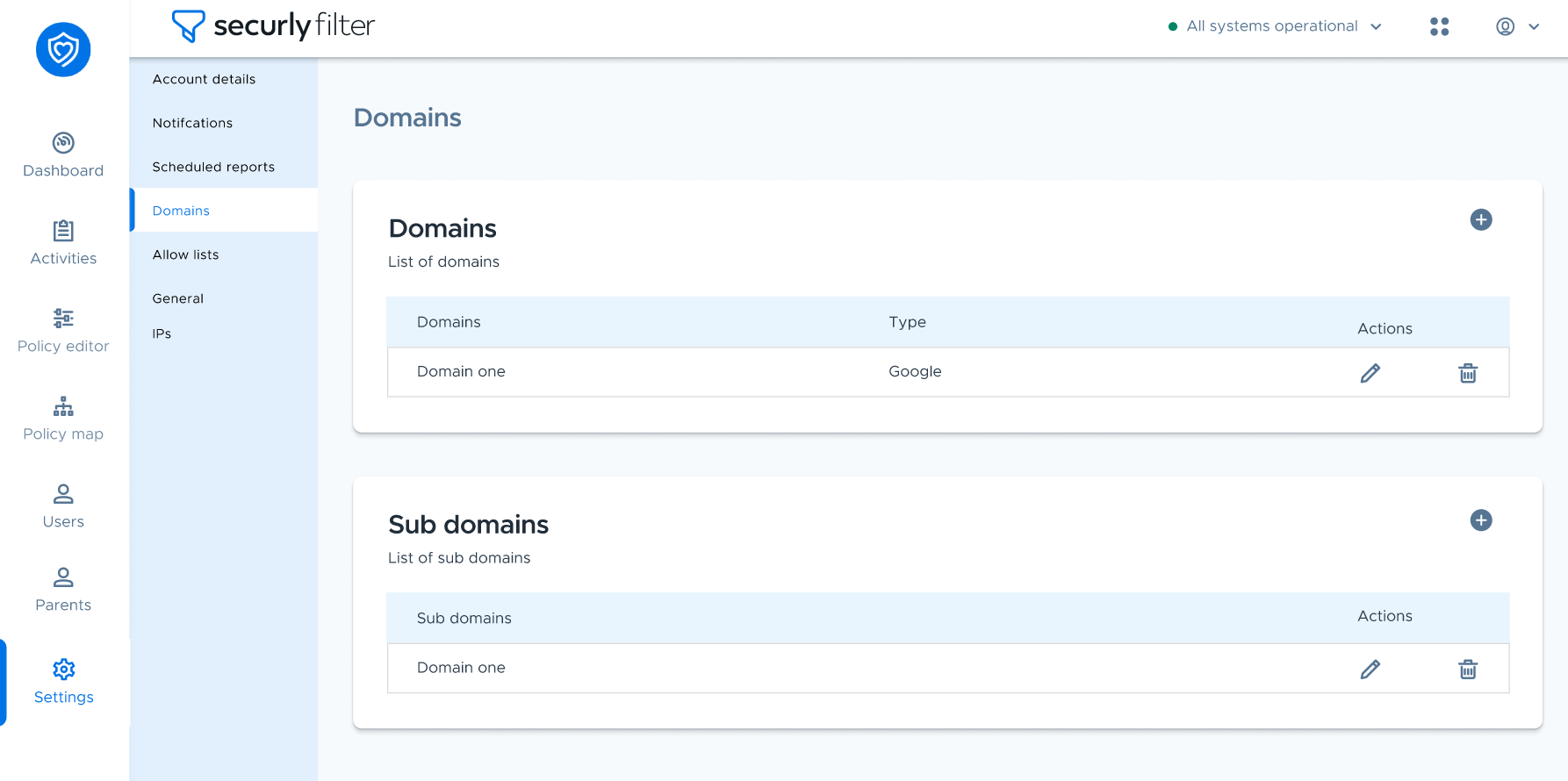
The Domains page allows you to view and modify your current domains and sub-domains. You can use the + icon to add the URLs and the trash bin icon beside each domain in the list to delete it.
NoteIn case you aren’t able to add a domain and are getting an error, it may already be added by another account. Please contact our support team to address the issue.