Pass › Visitor
Customized List of Destinations
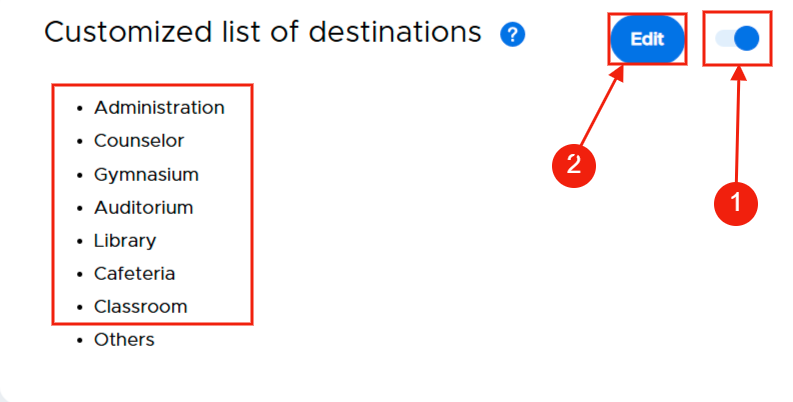
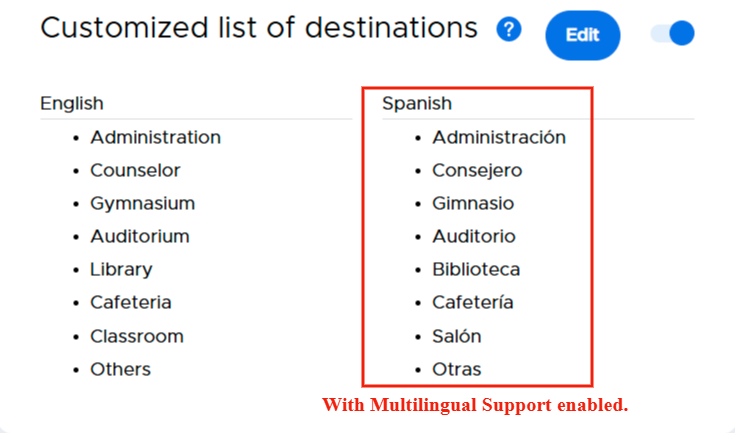
If enabled (1), visitors can select the location they will be visiting from a list of destinations, which you can easily customize. The system provides for seven (7) locations; you can customize/rename them by clicking on the Edit button (2).

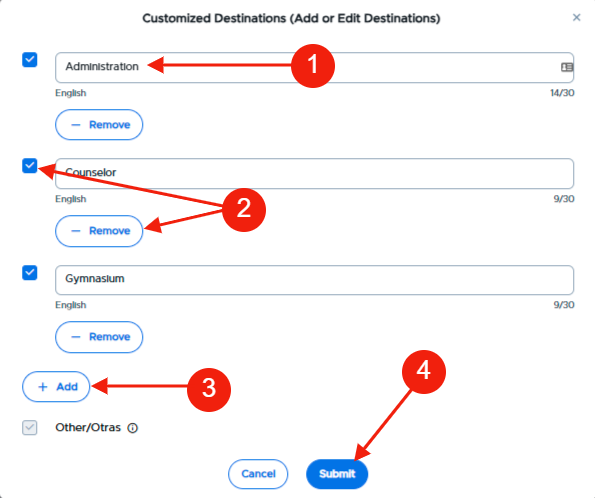
After clicking on Edit, click in the location name field (1) and type the new name of the location OR click - Remove to remove that location from the list or uncheck the box to the left of the destination (2). If you’ve removed several of the locations and desire to add some others, click + Add and add the name of the destination (3). When finished with the list of destinations, click Submit (4).