Aware
Syncing Org. Units
To ensure your all of your users are properly scanned by Aware, you’ll need to sync your Organizational Units (OUs) with Securly.
Navigate to Org. unit Management.
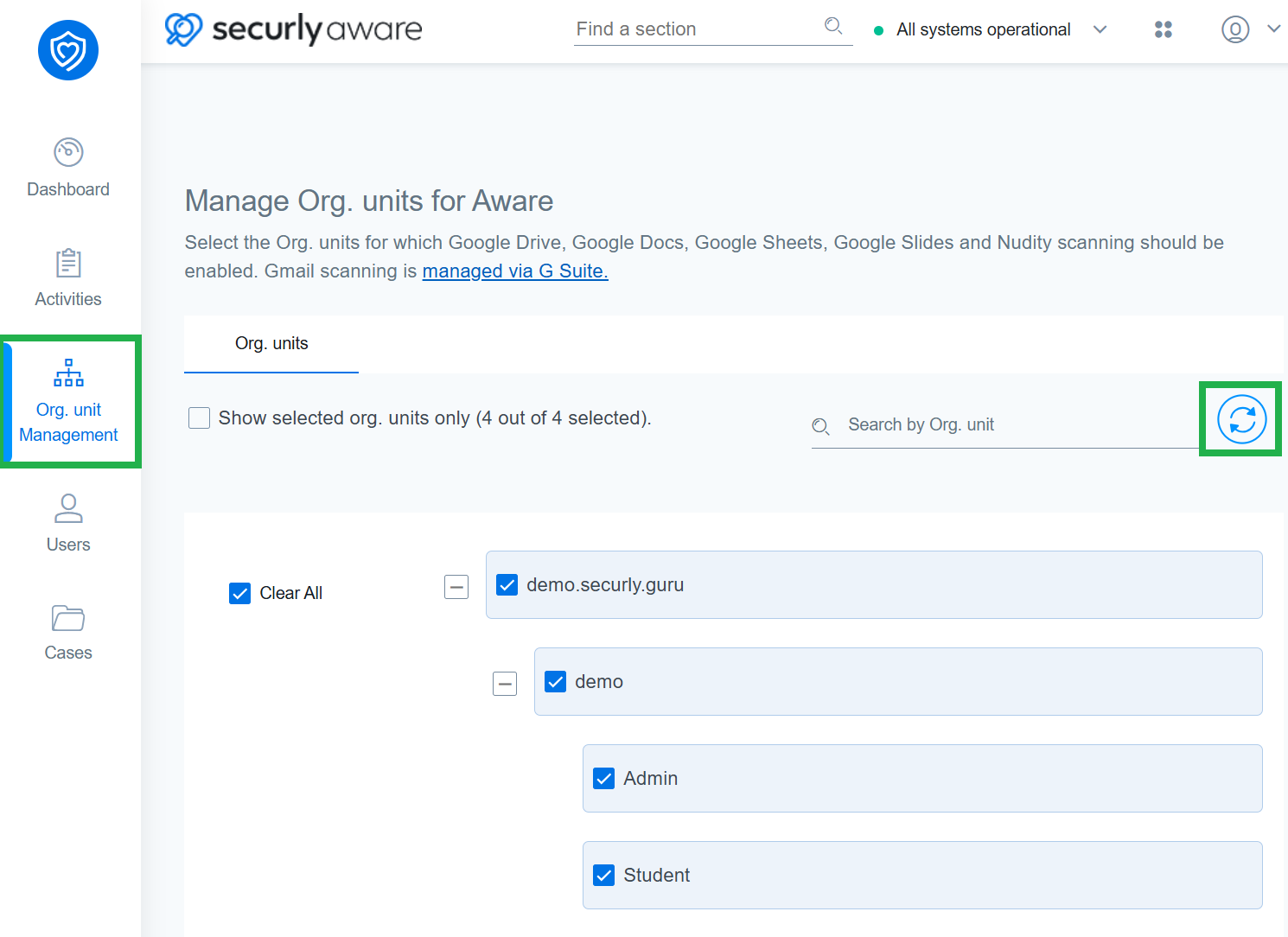
Click the Sync OUs button and sign in from your school’s Google Workspace or Microsoft Entra (Azure AD) account to sync your school's or district's organizational structure into Securly.
Once synced, you will see all available OUs, allowing you to include/exclude different user groups (such as students, teachers, and staff) from Aware's scanning.
Note: OUs for Gmail scanning are managed via G Suite only. To check which OUs are being scanned, refer to this article.