MDM
System requirements and login steps
System requirements
Securly MDM supports Apple devices with:
- iOS/iPadOS (minimum version: 13.0)
- macOS
- tvOS
Login steps
To log in to Securly Classroom, go to deviceconsole.securly.com/mdm, or go to securly.com and select MDM from the Login dropdown.
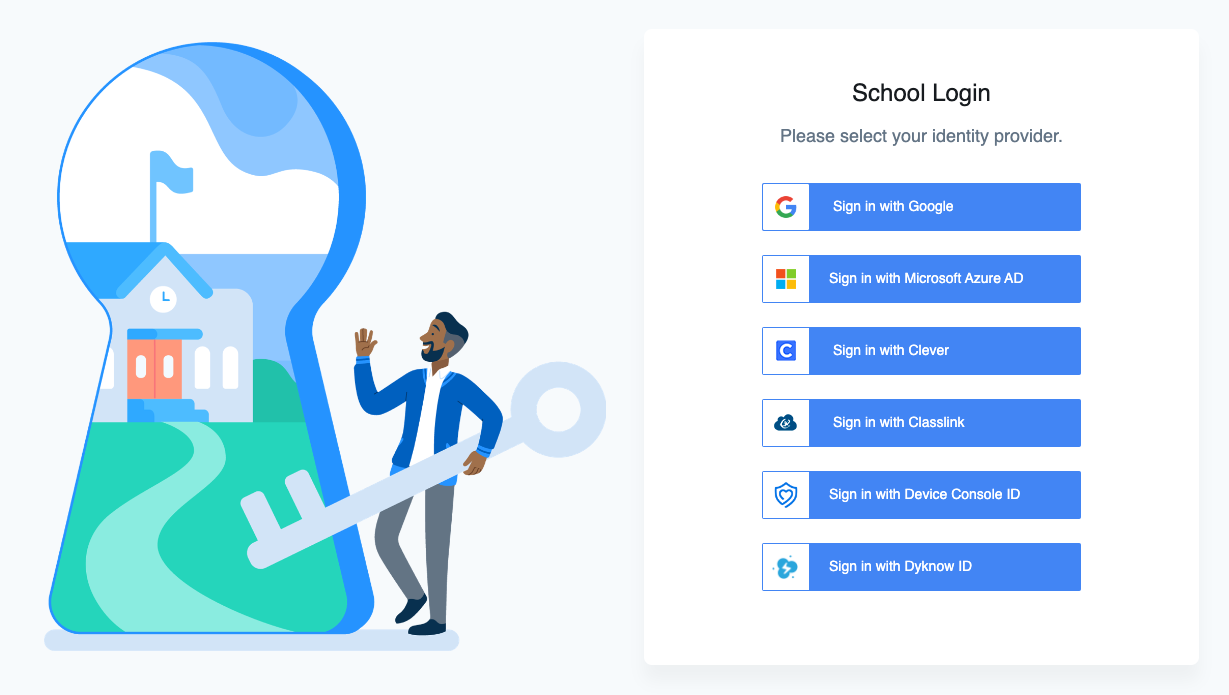
Next, select your identity provider. You can also sign in with a Securly ID (Device Console ID) if you don't use a third-party SSO provider.
If you aren't sure which identity provider to use, contact your school's IT team.