Pass › Pass Mobile App Guide
End Teacher-created Passes
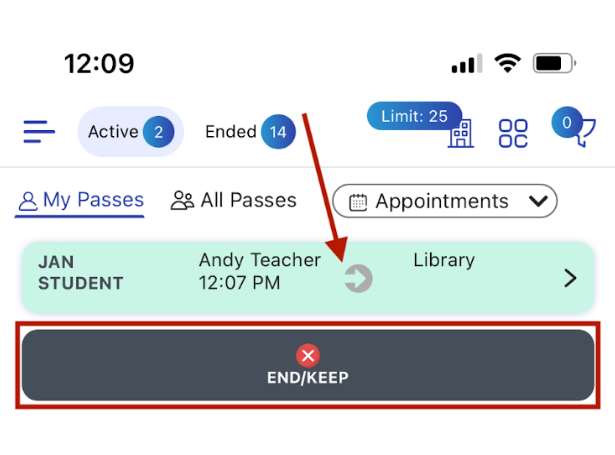
To End/Keep a pass, click anywhere on the pass that you wish to end. Doing so will prompt you to click “END/KEEP”. Once you tap “END/KEEP”, the pass will disappear from the screen.
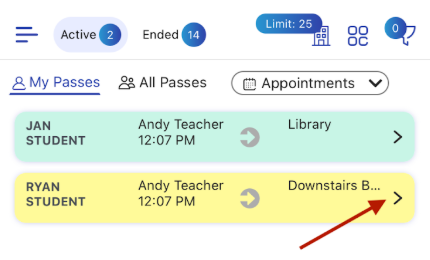
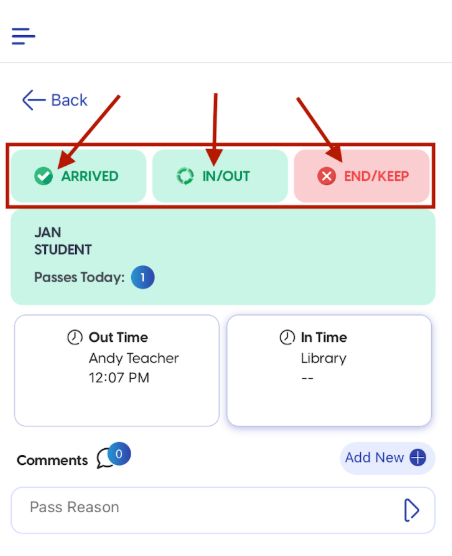
By touching and holding the “>” on the right side of the pass, you will see an expanded view of the pass. You will also be able to act on that pass as well.