MDM › Managing Profiles
Assigning Restriction Profiles to Device Groups
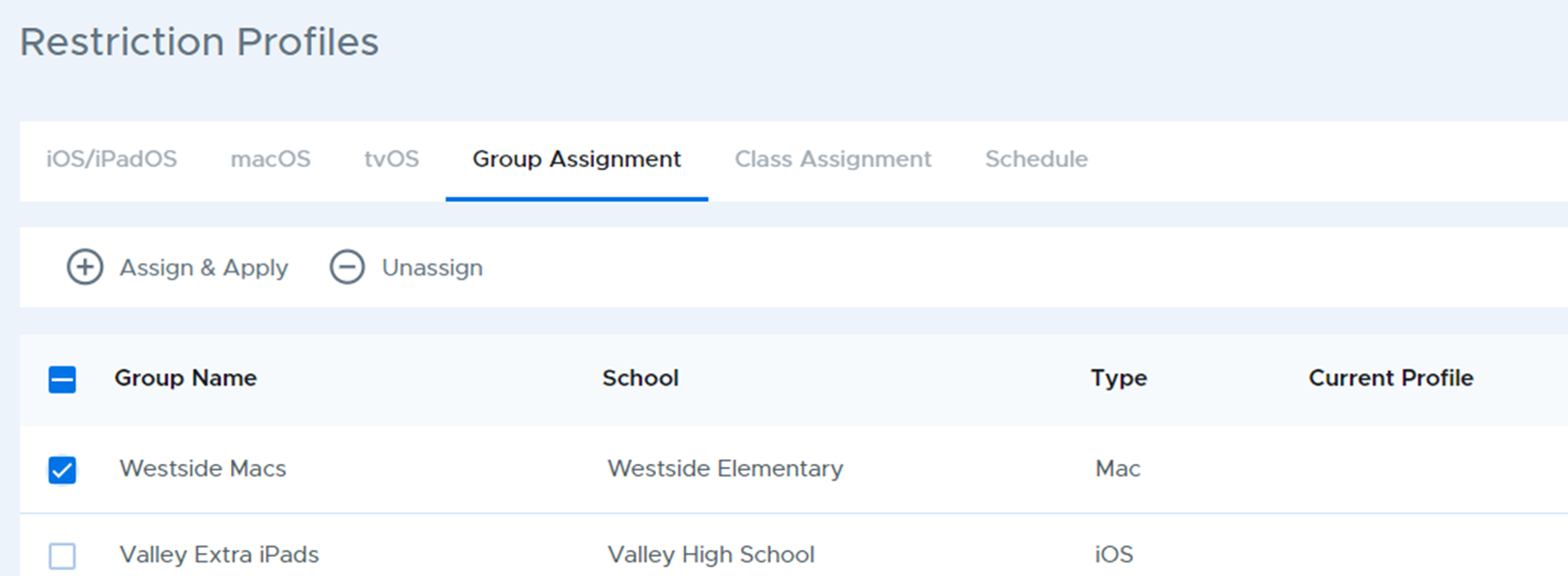
Use the Group Assignment tab to assign and apply network profiles to device groups.
To assign a profile, select one or more groups from the list, then click the Assign & Apply button. When selecting multiple groups they must be of the same type.
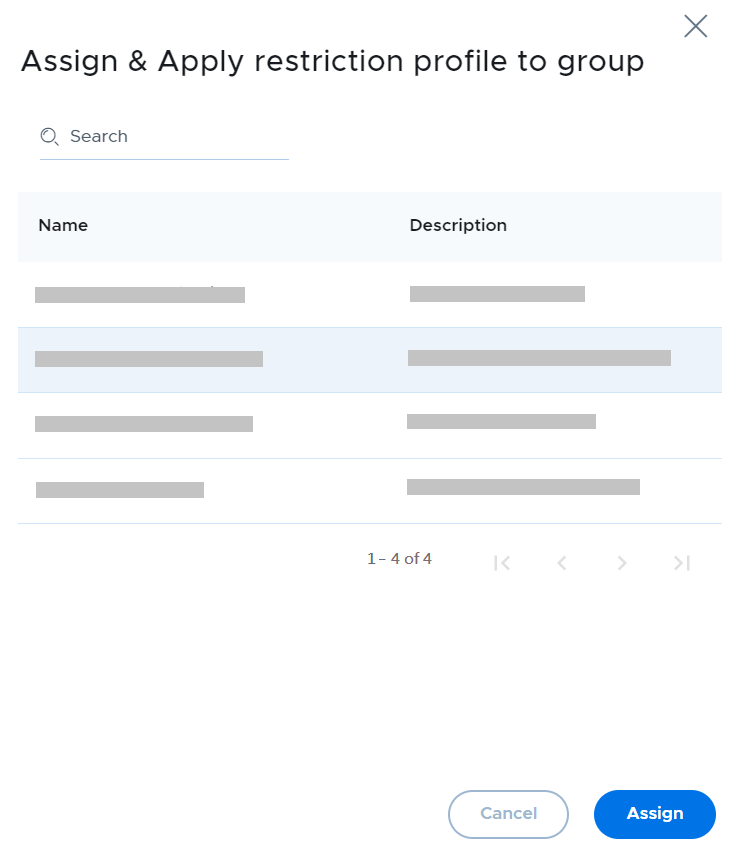
Choose the restriction profile to assign and click the Assign button.
To remove restriction profiles from device groups, choose the group(s) from the list and click the Unassign button. The restriction profile will immediately be removed from the devices in the group.