Classroom › Classes
Closing tabs on student screens
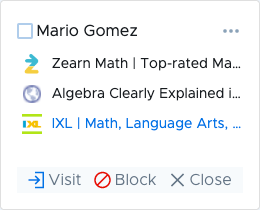
To close student tabs from Device View, click on the site in the Open tabs sidebar, then click Close.
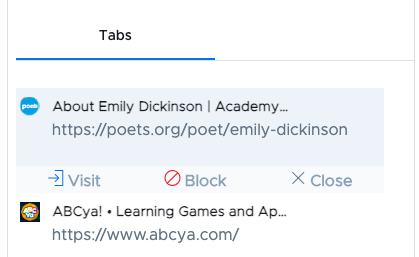
To close student tabs from Tab View, click on the site in the tab list, then click Close.
Classroom › Classes
To close student tabs from Device View, click on the site in the Open tabs sidebar, then click Close.
To close student tabs from Tab View, click on the site in the tab list, then click Close.