MDM › Managing Content
Changing status of a request

Users with permissions to manage app request statuses can use the Change Status button to move the request through the process by changing the status.
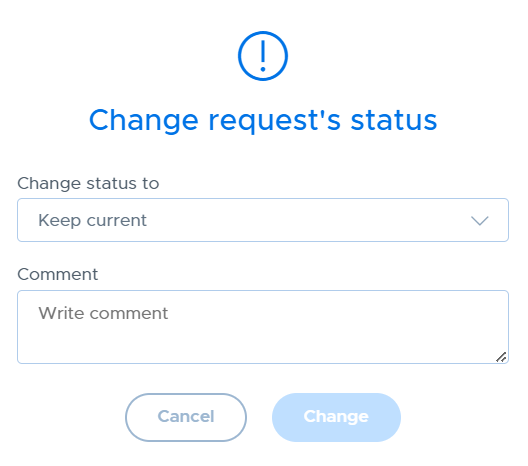
Multiple requests can be changed at the same time. The status can also be changed for a single app from the request details page.
Clicking on any app request takes you to the app request details page.
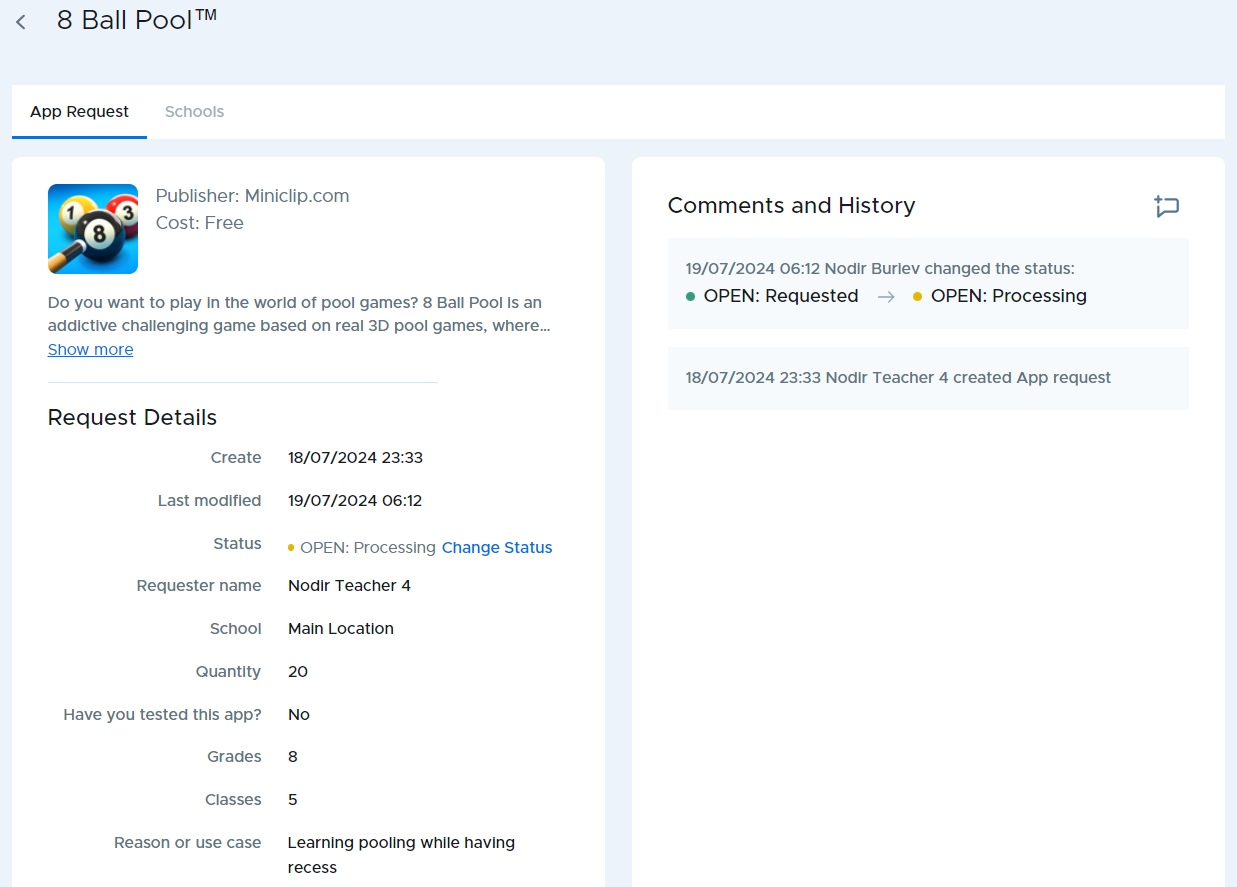
The status can be changed or a comment added by using the appropriate buttons from this screen. Also, the right side contains the history of the app request, showing all changes in status as well as all comments.
All users (requester and admins) are able to add a note to the history area for the app request by using the comment icon.
