MDM › Managing Devices
Viewing device details using the customize gear
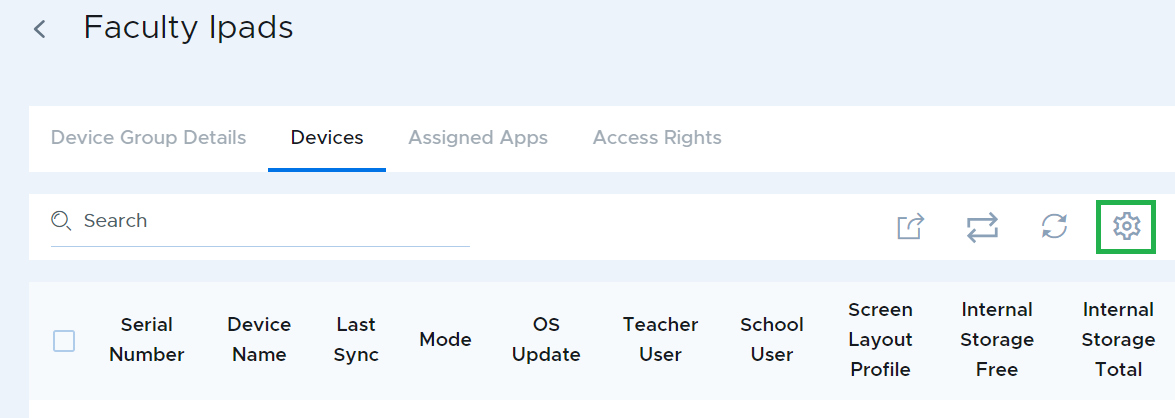
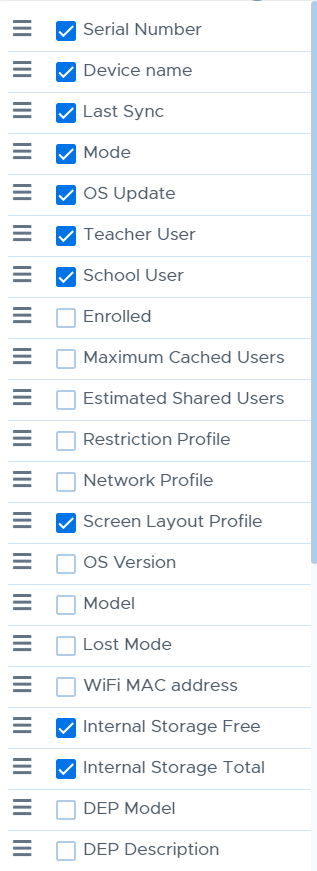
Clicking on the gear icon will open a list of information types that can be included in the device list table.
You can also export the device table as a CSV file using using the share/download icon.
