MDM › Managing Profiles
Adding and Configuring Custom Profiles
To add a custom profile, choose the appropriate tab for the OS type, then click Add button at the top.
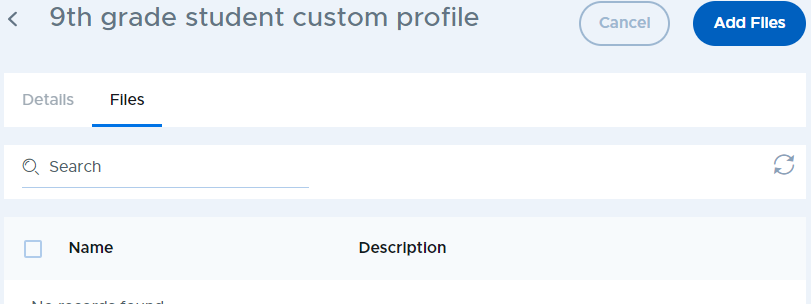
On the details tab, enter a name and optional description then click Save. On the Files tab, use the Add Files button to upload custom configuration files. You can add multiple files to a single profile.