Classroom › Users
Resetting a student's Google account password
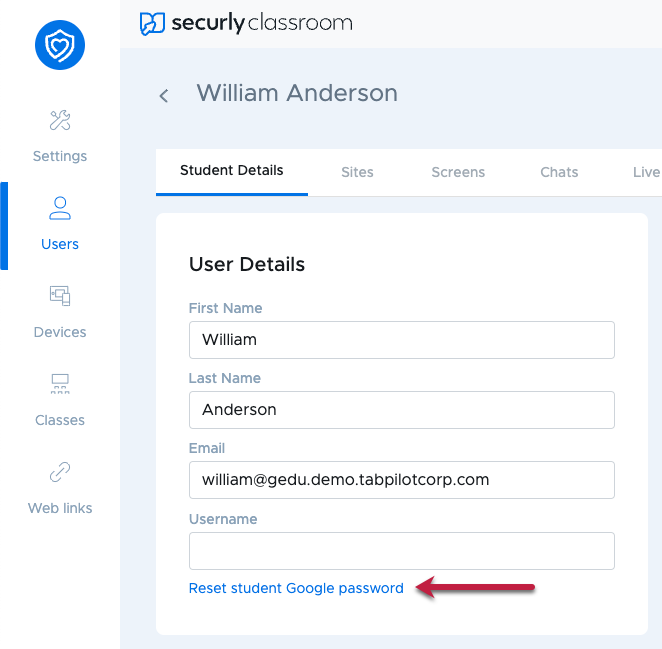
To reset a student's Google account password, go to the Users menu, then the Rostered Students tab. Click the student, then under the Student Details section, select Reset student Google password.
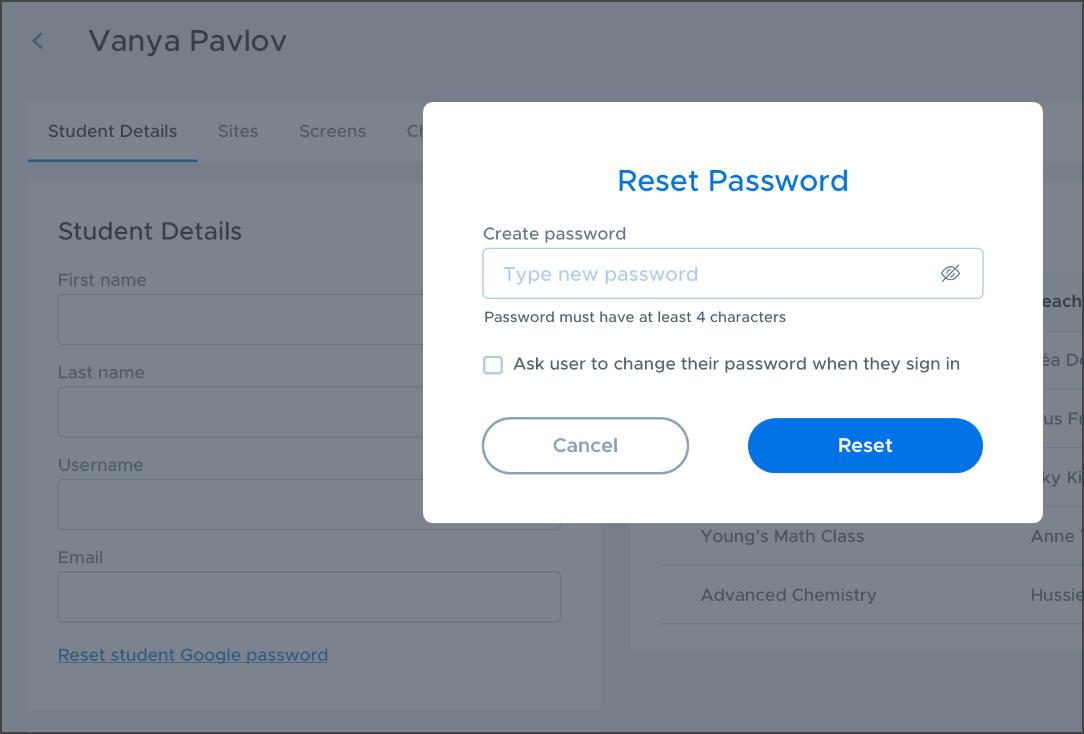
The dialog box that appears will let you set a new password for the student. You can also require the student to change their password when they sign back in.