MDM › Managing Content
Editing Layouts
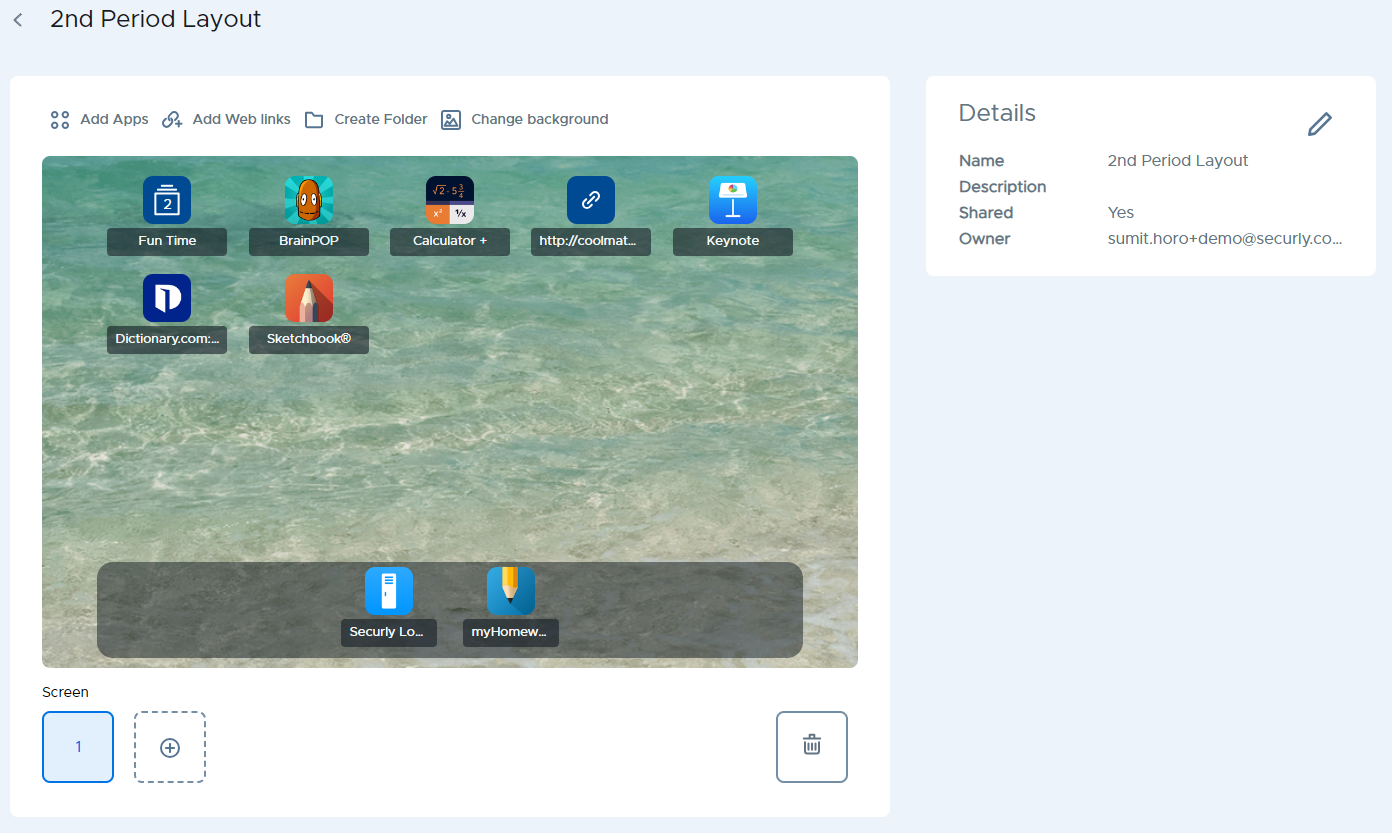
After creating a new, empty screen layout or cloning an existing one, you can select it from the layouts list to change details, backgrounds, home screens, and it's availability to schools. You can then apply it to student devices from the Teacher Tools section.