Aware › Managing Account Settings
Student Perspective of Wellness Widget
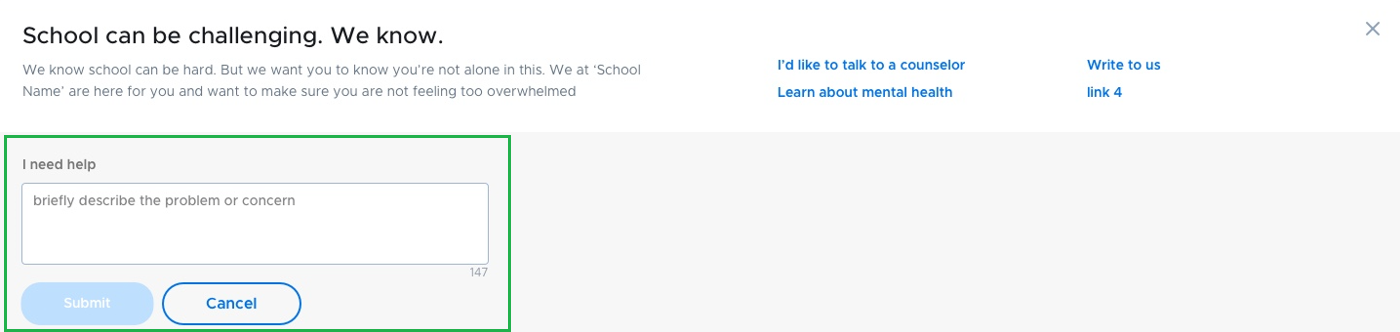
During moments of stress or crisis where students feel the need to talk to someone, they can use ‘I need help’ button to reach out. This button will be displayed at the bottom of the Wellness Widget.

Students can reach out for help by clicking the button and entering a comment, which will send their comment as an alert through Securly Aware and create a case for them in Aware Case Manager.
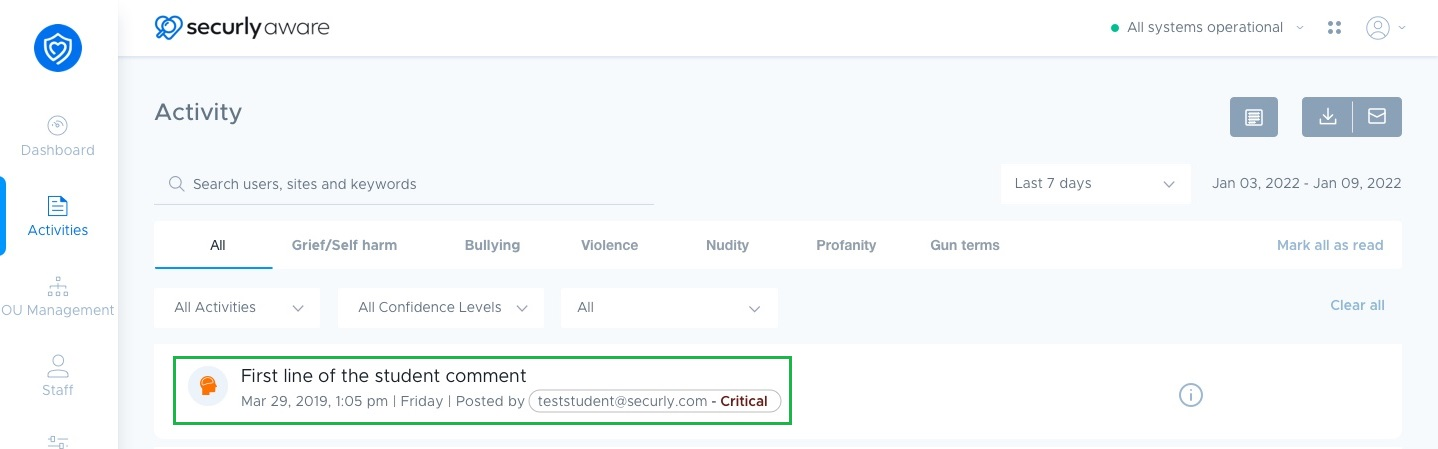
Flagged alert in Securly Aware’s Actvities Dashboard
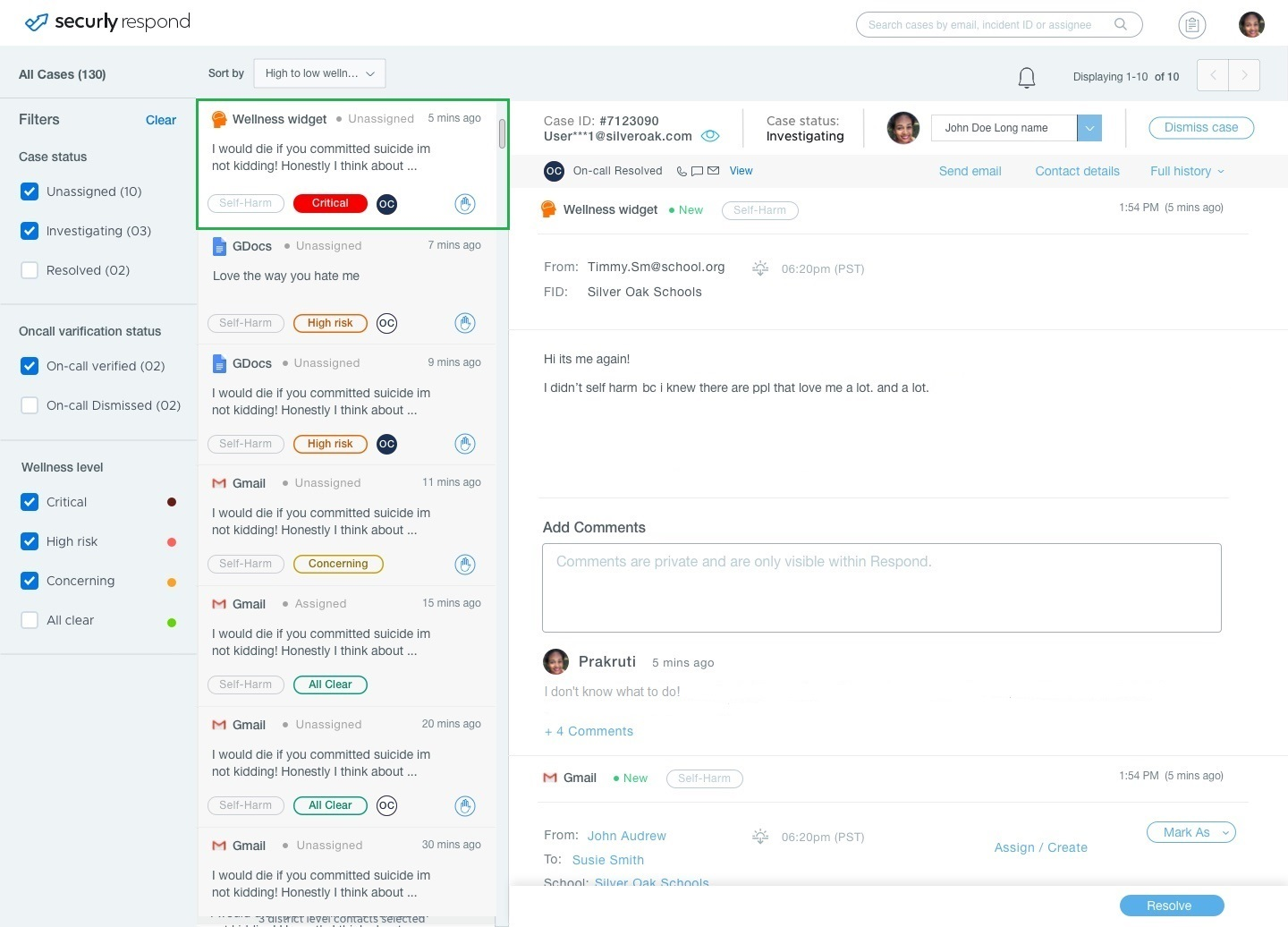
Case generated in Aware Case Manager