Classroom › Settings
IP Ranges
The IP ranges sub-menu allows one or more IP address ranges to be entered to identify the outsde IP address(es) for the district.
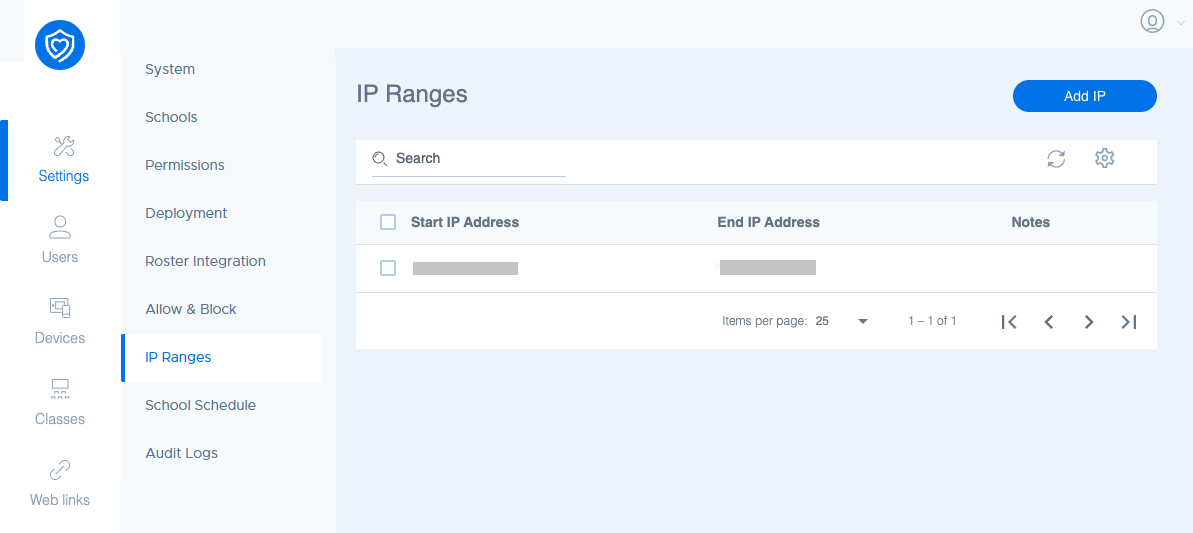
This can be used to identify whether a device is inside the school network or not. The Exclude devices on outside IPs option in the System sub-menu under Settings will be able to include or exclude a device from participating in a class session based on the IP ranges set up in this sub-menu.
To add a new IP range, click Add IP. You will have the option to enter a start and end for the range, as well as notes that will display in the Notes column.