Filter › Home
Logging In
To log in to Securly Home, go securly.com and select Home from the Login dropdown.
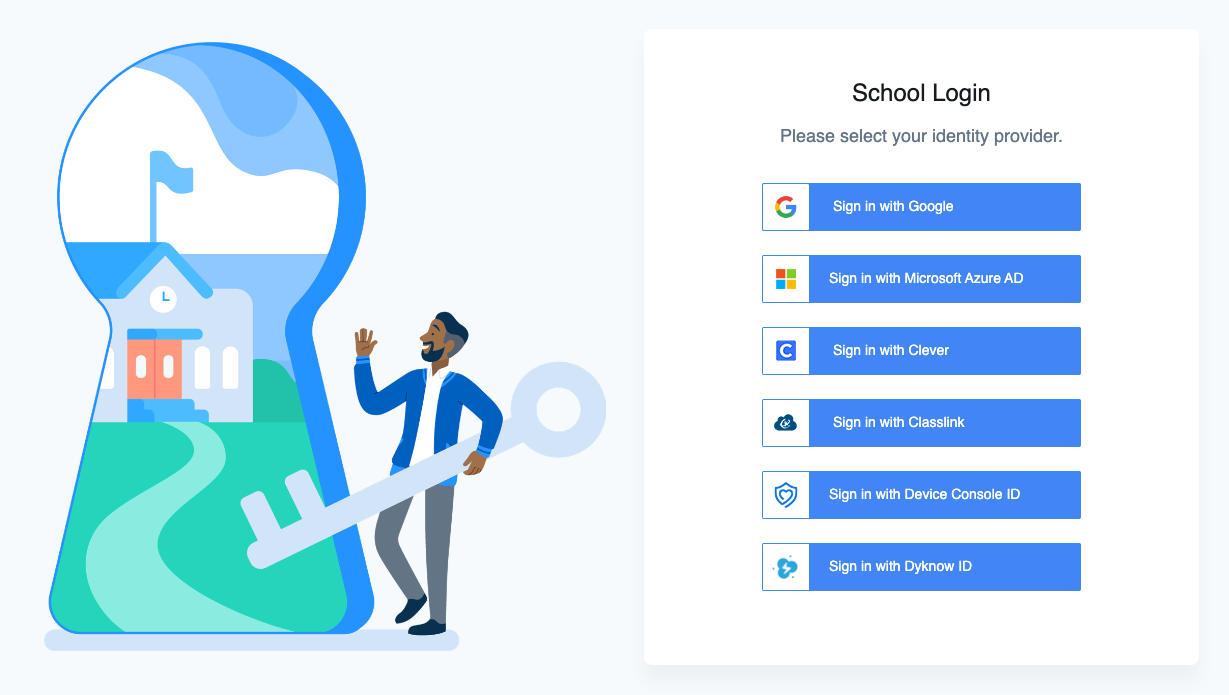
On this page, select your identity provider. You will need to sign in with either your Google Workspace credentials or your Microsoft Office 365 credentials. If you aren't sure which identity provider to use, contact your school's IT team.