MDM › Managing Content
Adding, removing, and rearranging screens
To add a screen, click on the '+' icon.

To remove a screen, remove all icons from the screen. The counter in the screen box will change to the minus sign. Click on the red minus button to remove the screen.
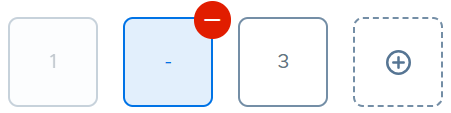
To delete a screen, it must be empty. You cannot delete the screen if it contains even a single item (app, folder, or weblink).
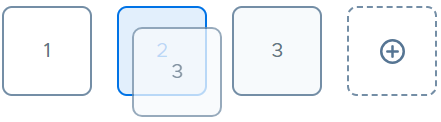
To change the order of the screens, drag the screen box to a new location along the bottom.