Filter › Home
Adding Parents via CSV Web Upload
To add parents via CSV, follow the steps below:
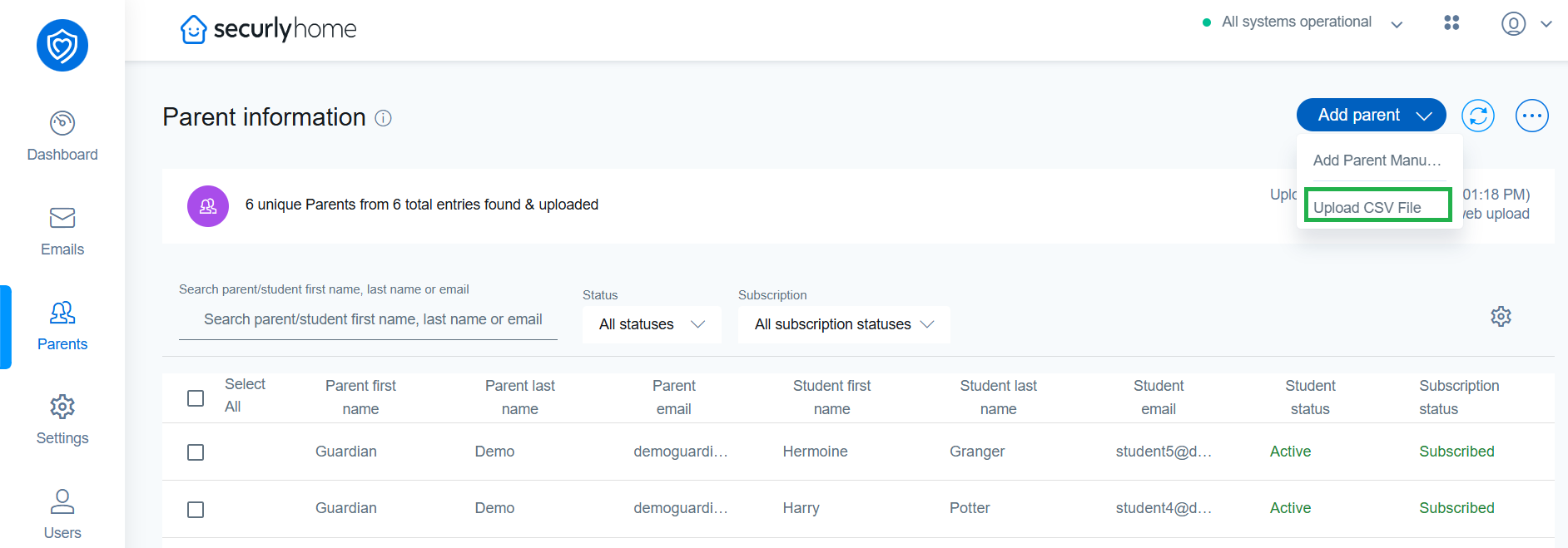
- Click the Add parent button in the Parents menu, then select "Upload CSV file".
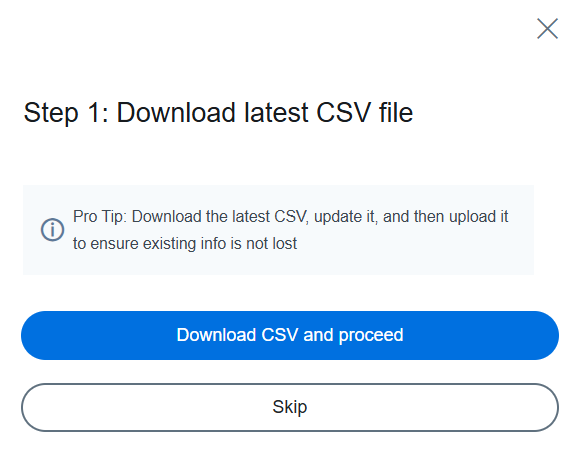
- In the following popup, you can download the CSV template from the if you don't have it ready or skip.
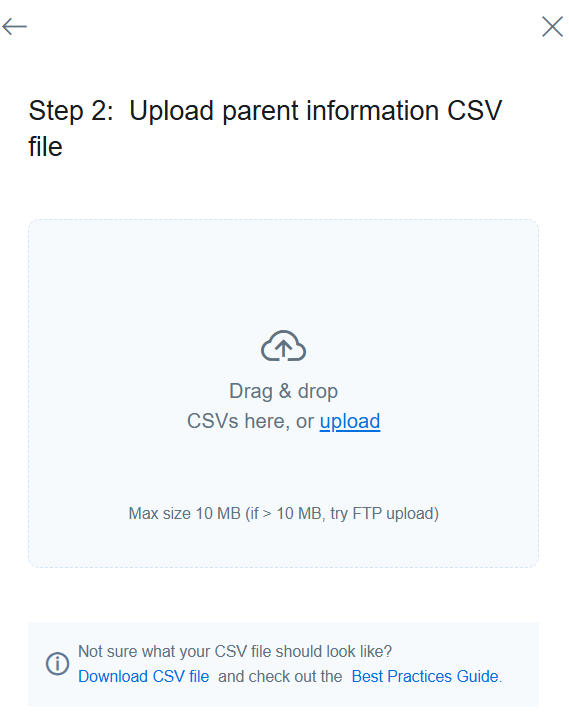
- In the next popup, either drag & drop the CSV file or click on upload to select it.