Pass › Pass Teacher/Staff Guide
Logging In
Your school administrator will provide you with detailed instructions to log into your Pass system for the first time. Most likely you will be using your school email and corresponding password (for your school’s authentication type). The general Pass URL is pass.securly.com/login, which then provides login links for various types of authentication, such as Google, Clever, etc.
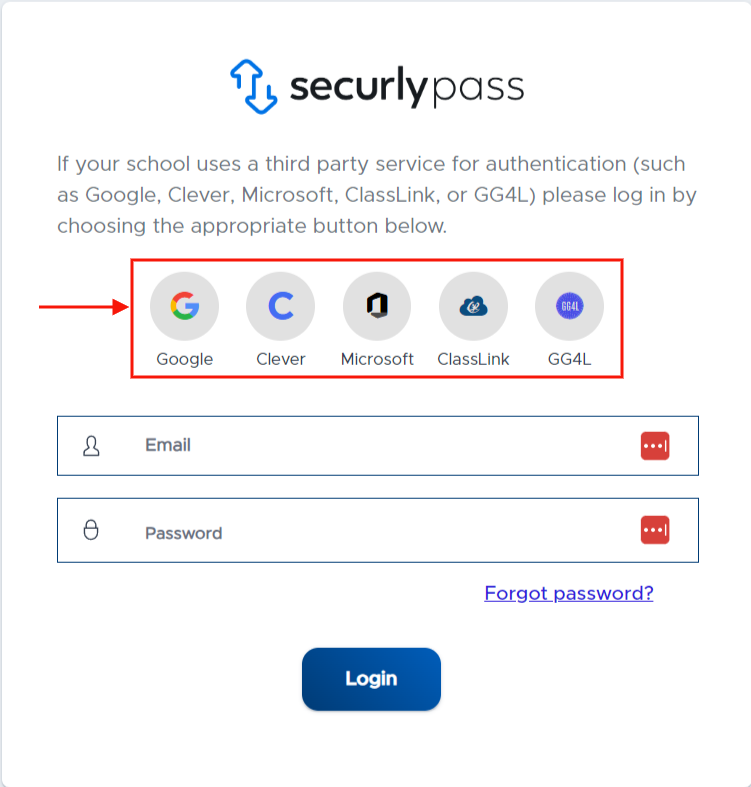
Below are direct URL links for various types of login methods. These direct links save users a step in the login process. This may especially be helpful if your school pushes the URL link out to users and/or creates shortcuts.
Manual Login: https://pass.securly.com/login
Google Login: https://pass.securly.com/glogin
Clever Login: https://pass.securly.com/clogin
Microsoft O365: https://pass.securly.com/ologin
ClassLink: https://pass.securly.com/classlinklogin
VIDEO ALERT : Please watch the “Accessing the System” video found on the Pass Training Video Index - Teacher/Staff.