MDM › Managing Profiles
Script
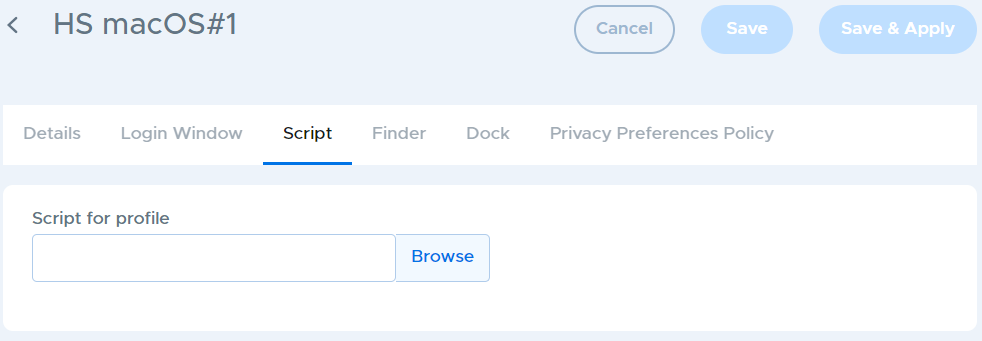
The Script tab allows you to upload a script that will run on the device immediately after login. Only a single script can be uploaded. To remove a script from the profile, click the Remove button next to the script name.