MDM › Securly Locker
Locker for Mac
Securly Locker is a required app for managing Mac devices with Securly MDM. However, Locker on macOS has limited capabilities in comparison to the iOS version, including the lack of functionality to enable teacher tools like screen layout, screen lock, site lock, rebook, clear passcode, and logout user.
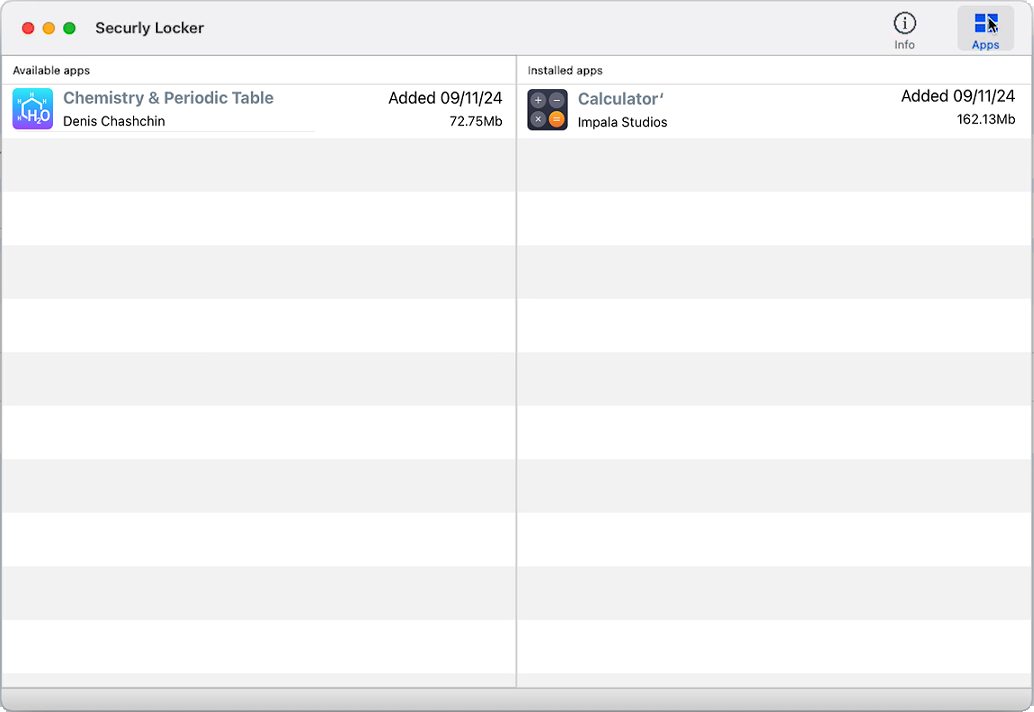
Locker only provides the following two functions:
- Self-Service App Installation: Access to a catalog of apps assigned for optional installation or removal.
- Info: MDM Enrollment information and an option (if enabled) to send a message directly to the system administrators.
Securly Locker on macOS version needs to be pushed by the school via VPP distribution. Refer to the ASM content users section of this guide for more details.